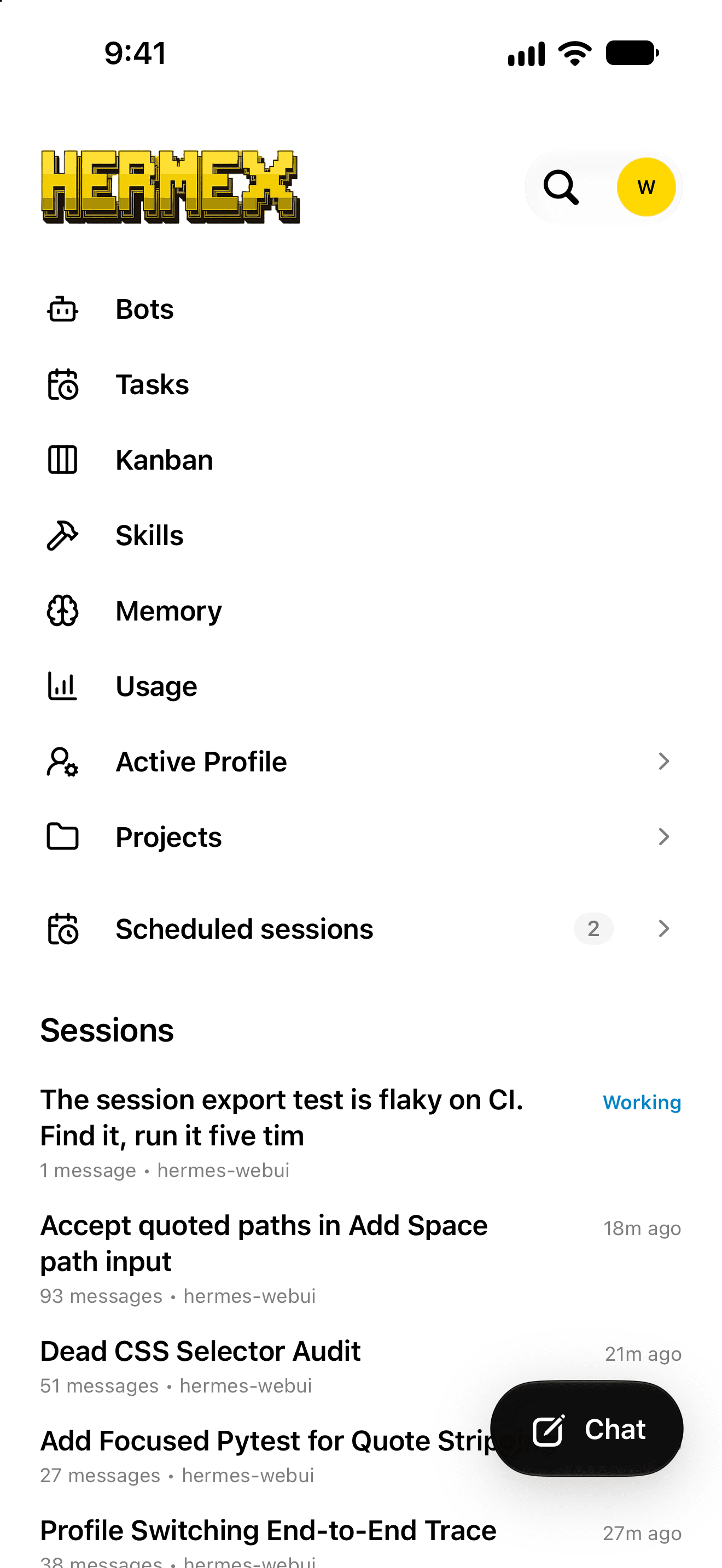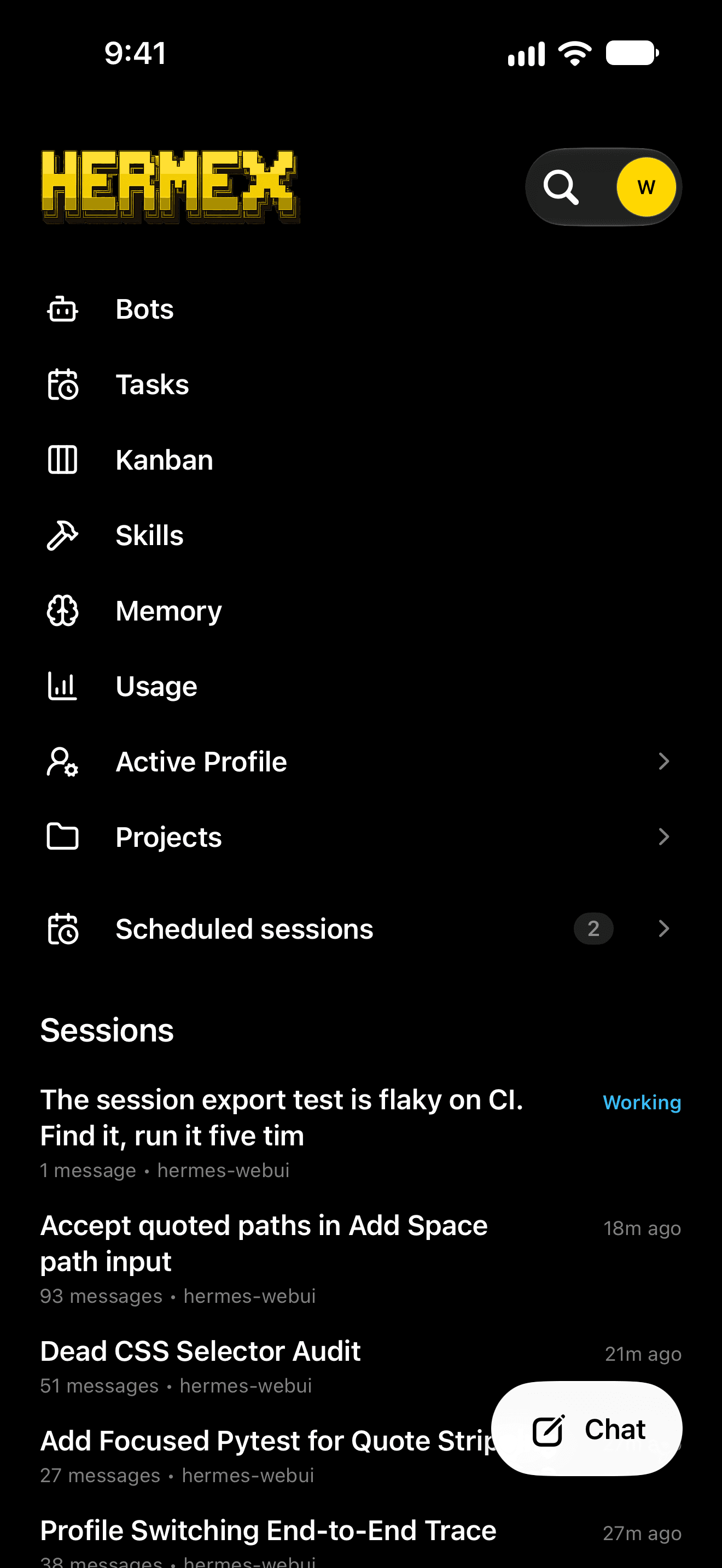
That capsule is the nav.Hover it.

Steer your Hermes agent. From your pocket.

Hermex is a native iPhone and iPad app for steering a Hermes agent you host yourself. Watch responses stream, answer approvals, and follow working bots and runs from the Dynamic Island and the Lock Screen. The agent runs on your server, not on your phone.

Free. Open source (MIT). Requires iOS or iPadOS 18 or later.

on the App Store. 486 ratings worldwide.

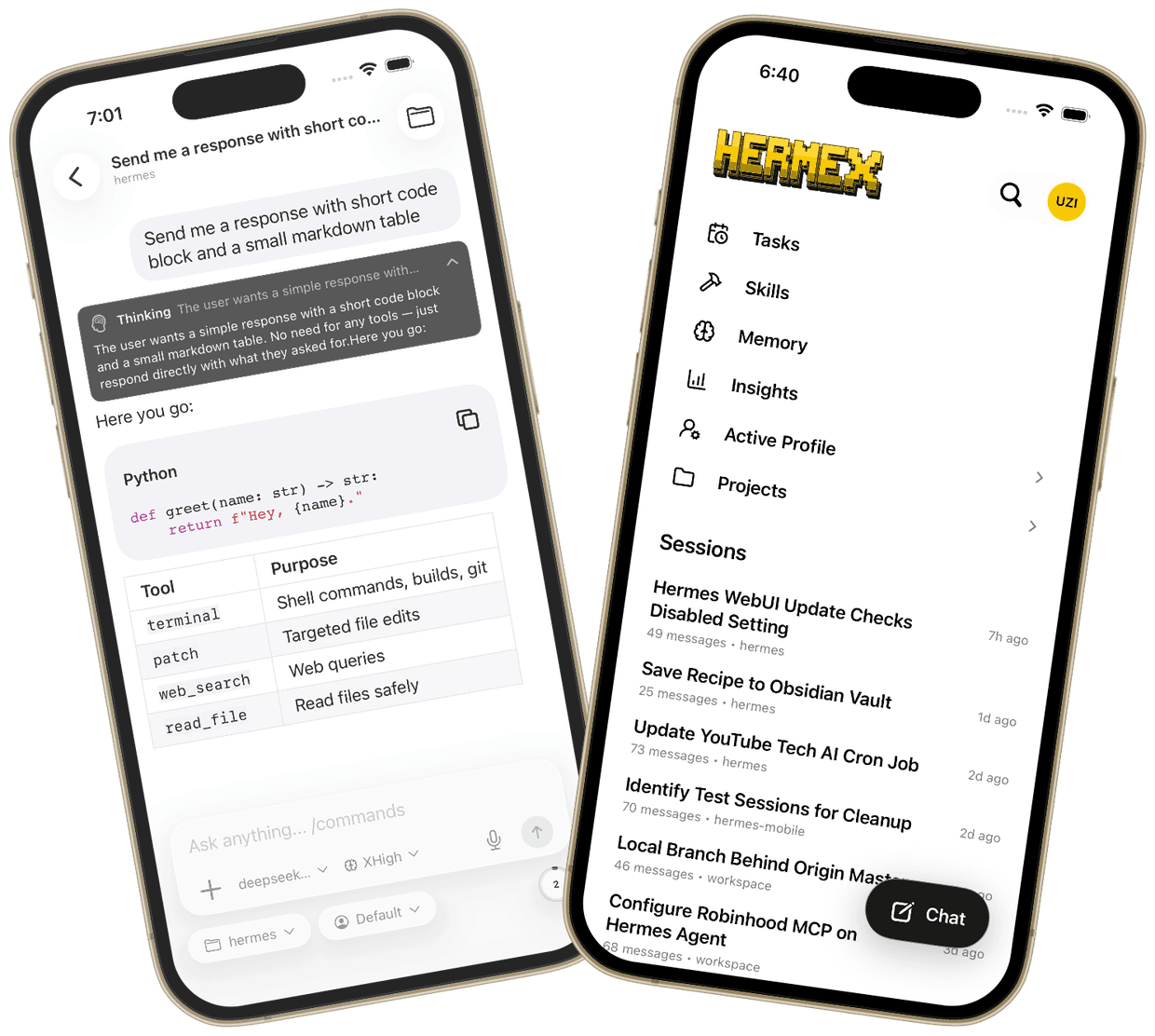
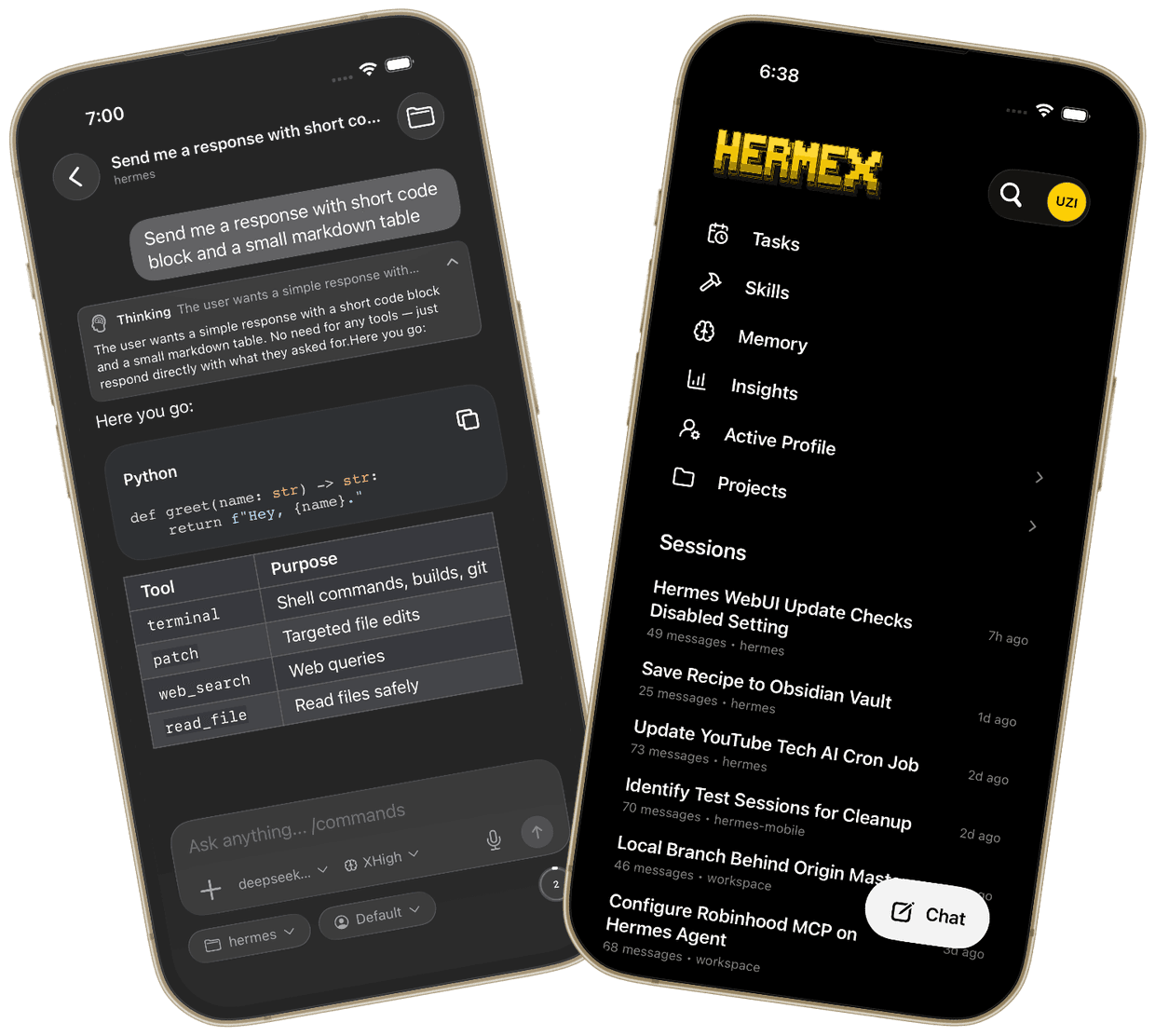
Two angled iPhones running Hermex: a session streaming a response next to the sessions home screen.

Free, everything in it. No subscription, no in-app purchases.

Everything on your server. One tap away.

Hermex puts your Hermes agent’s controls in a native app. Here is what ships.

Chat that streams. Thinking and tool calls in view.

Responses stream live, with thinking and tool calls. Answer approvals and questions inline, run slash commands and /goal, and attach images and documents, or dictate by voice. Pick the model, Profile, reasoning and fast mode right from the composer.
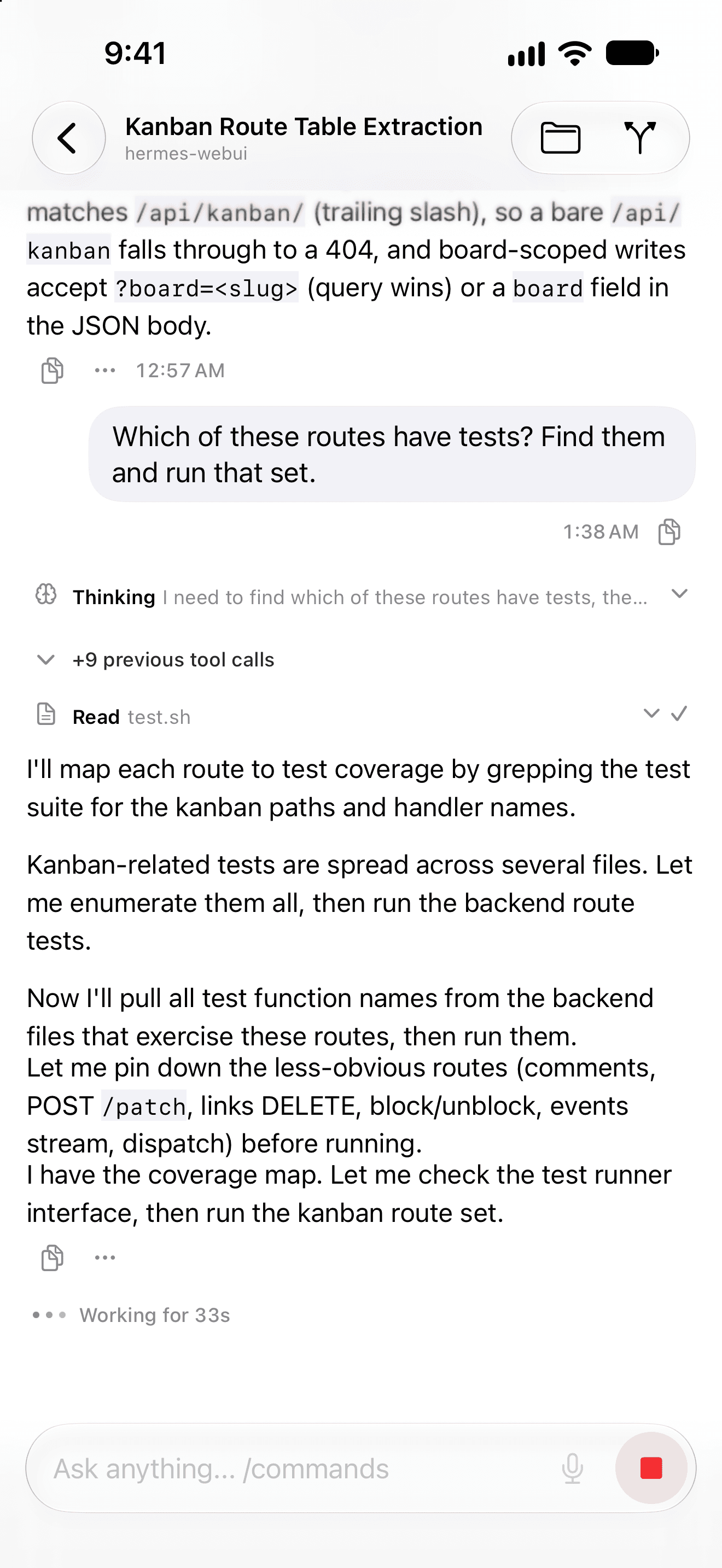
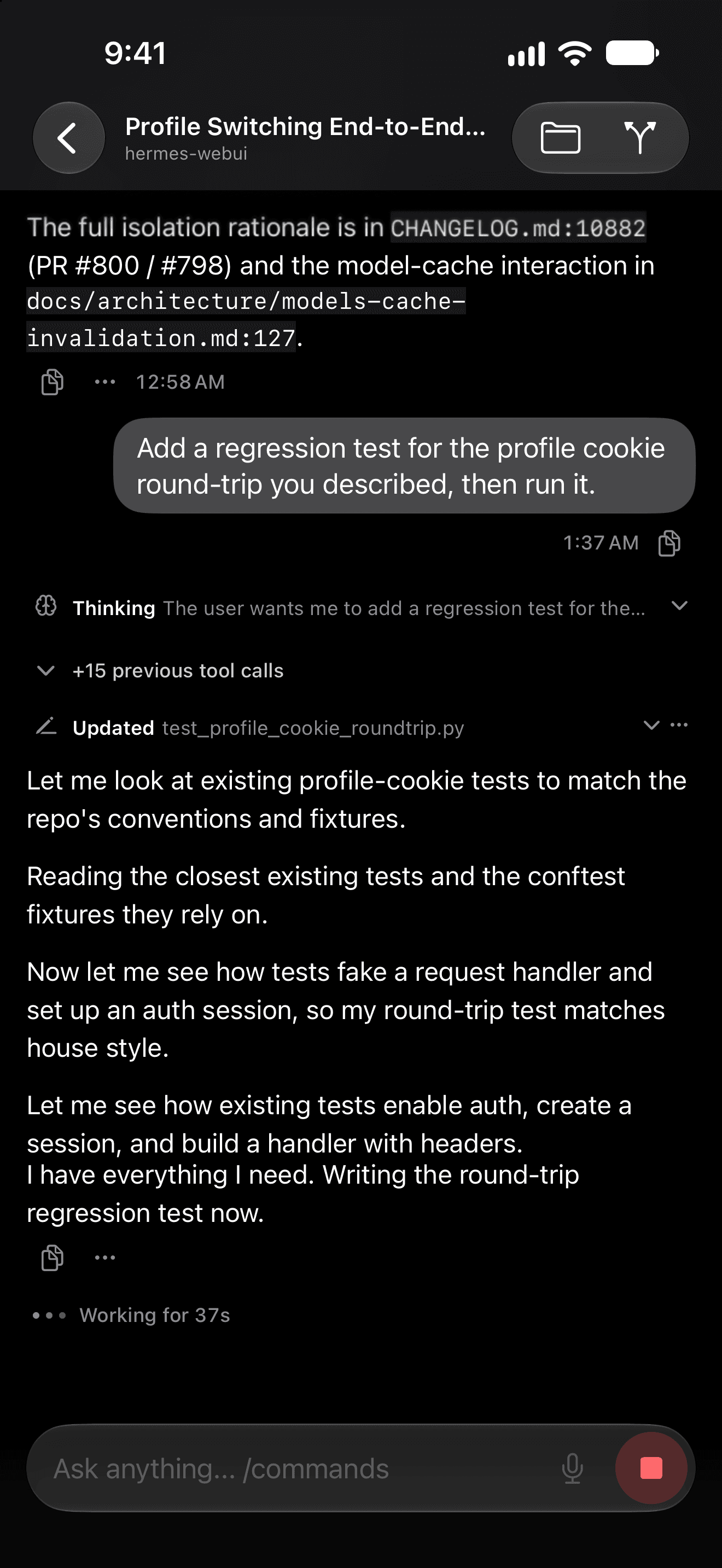
A chat in Hermex mid-run, with thinking, tool calls and the working timer in view.

Live Activities. Lock Screen and Dynamic Island.

Working bots and runs stay in view on the Lock Screen and in the Dynamic Island.

Push, if you want it. Off until you turn it on.

Turn push on and Hermex installs the open-source hermex-push plugin on your Hermes host. Notification text is end-to-end encrypted on the way through an open-source relay you can host yourself, which never sees message text, server URLs or credentials.

  • OptionalOff until enabled
  • Open-source relaySelf-host it if you like
  • Encrypted textEnd to end
Profiles, projects and the session list in Hermex.

Every session. Readable offline.

Search, open and resume every session; rename, pin, archive, branch or export one. A read-only offline cache keeps them readable without a connection.

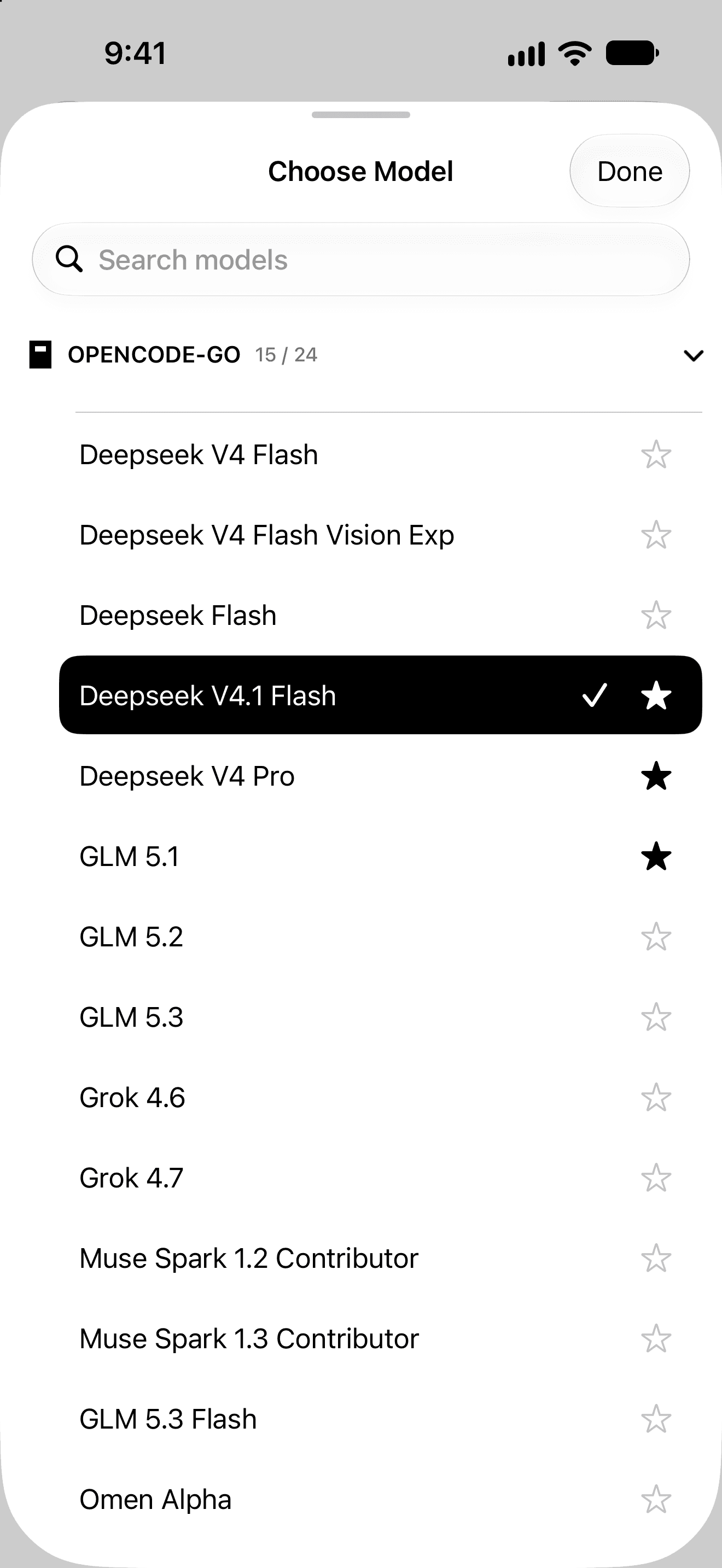
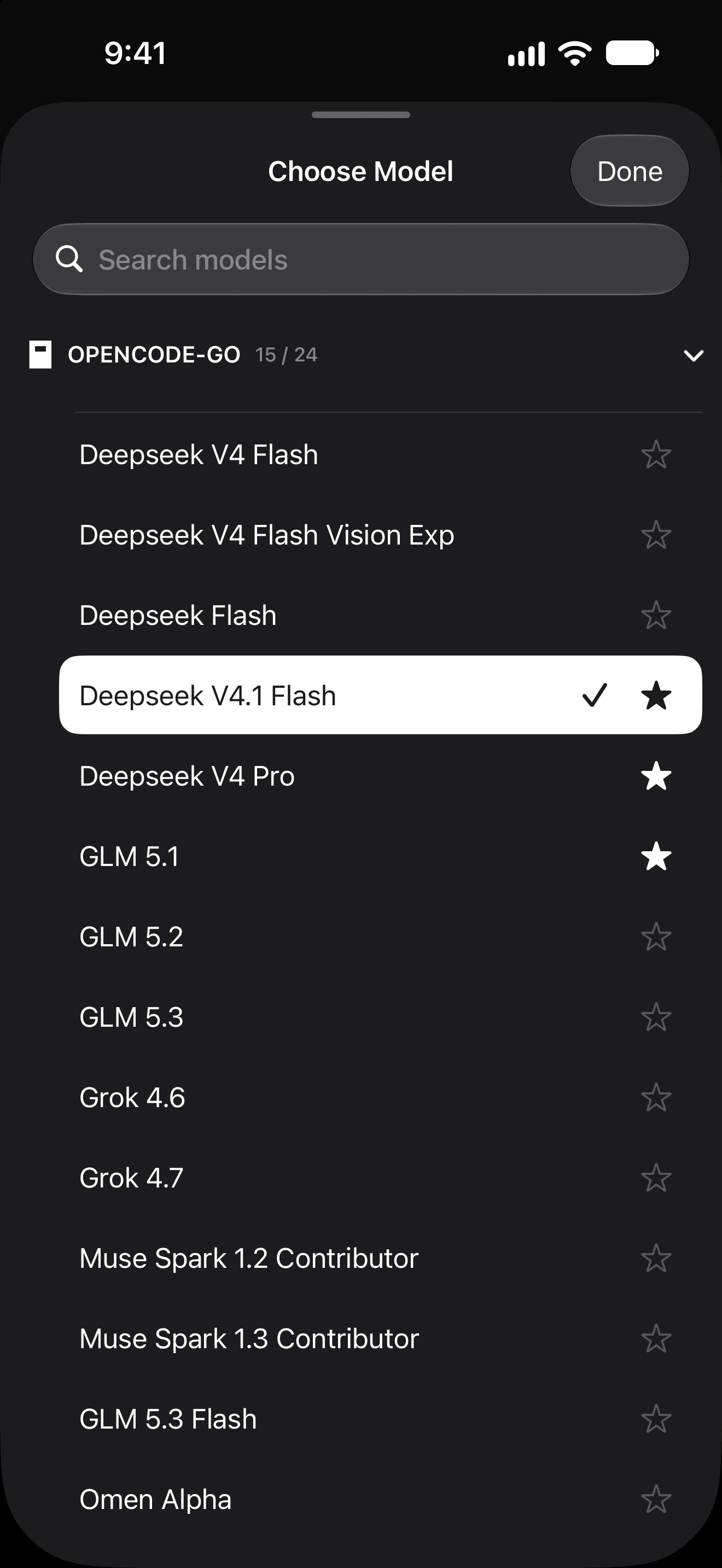
The model picker in Hermex, with favorite models starred.

Any model. If your server has it.

Any model or provider configured on the server, picked right from the composer.
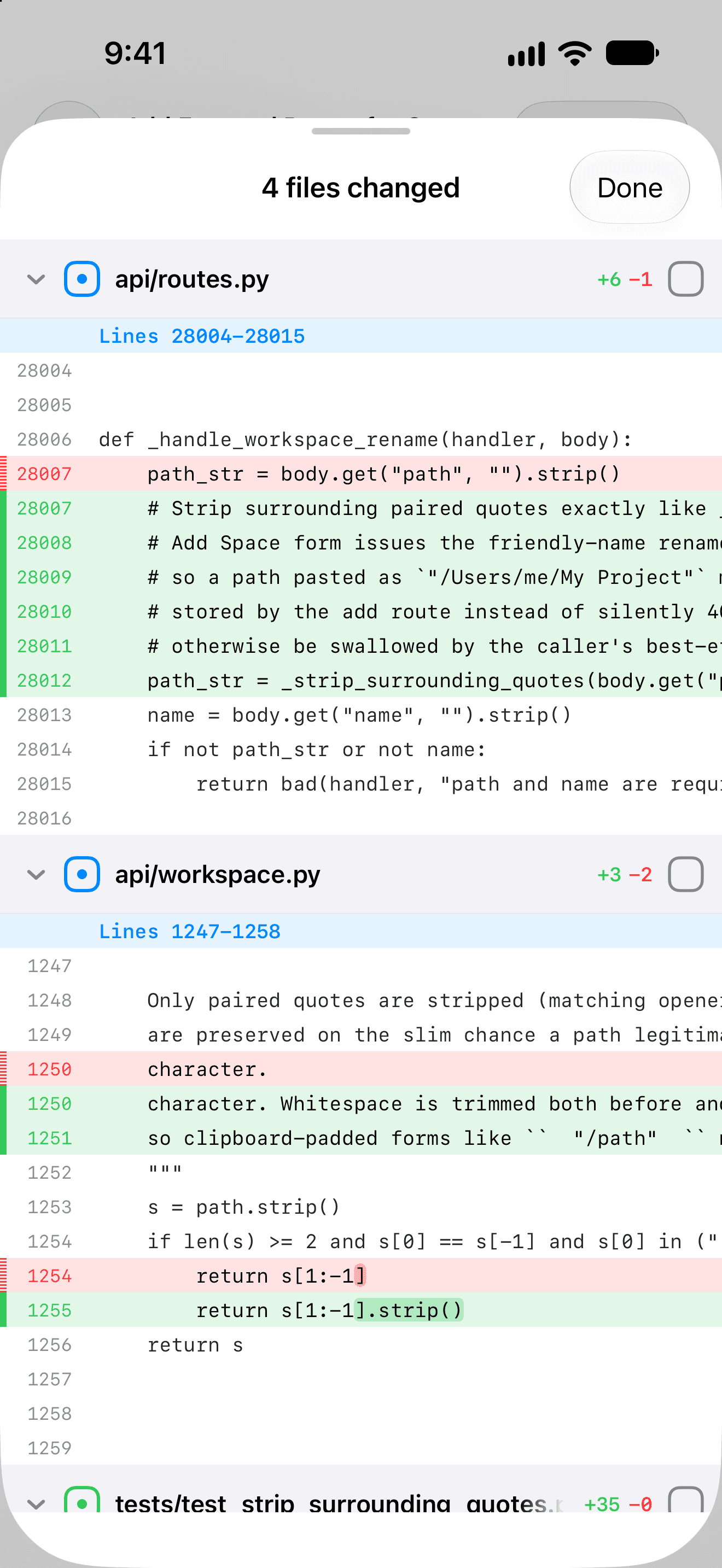
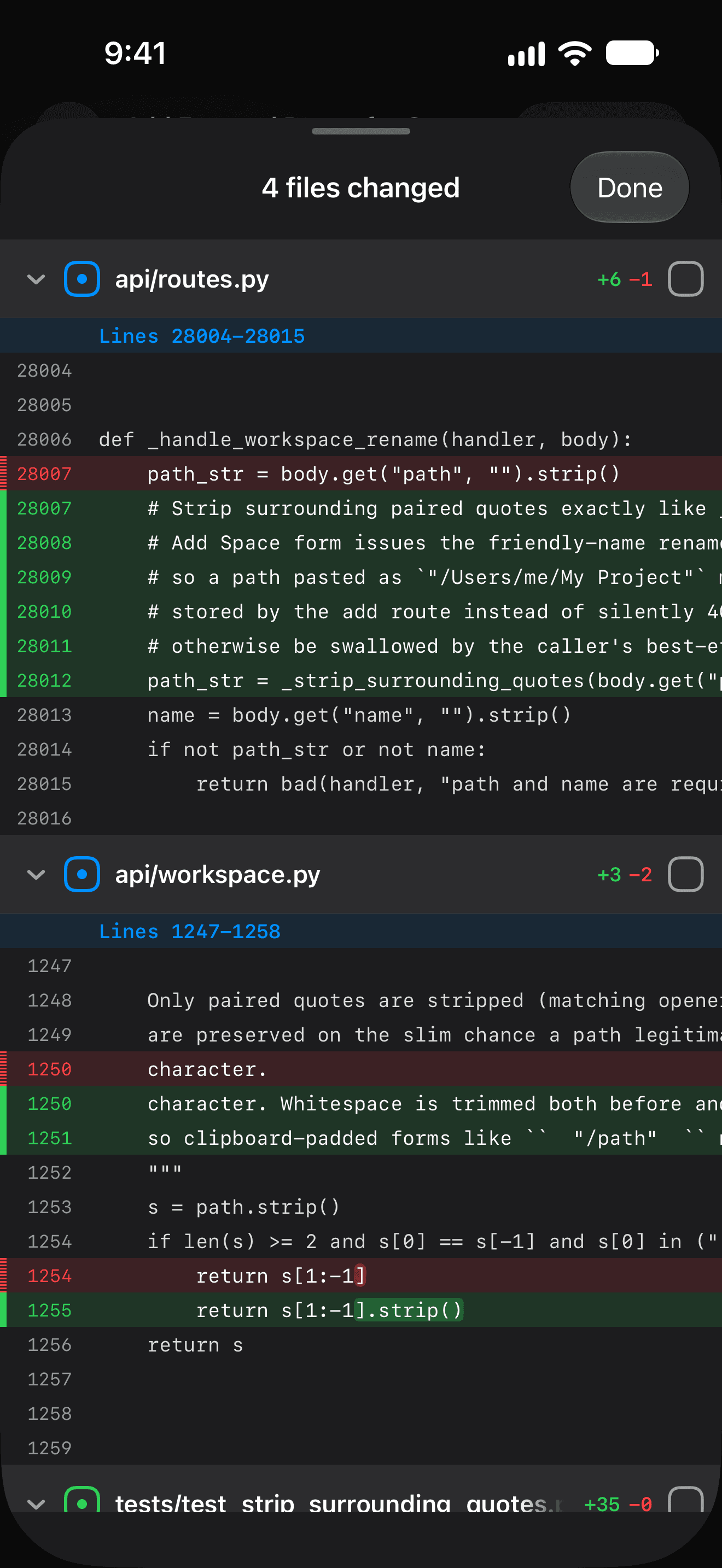
The Git review in Hermex, showing a changed file's diff.

Files and Git. Commit from the sofa.

Browse and preview workspace files, find them with @, then stage, commit and push changes or switch branches.

The rest of the workbench. Tasks to Usage.

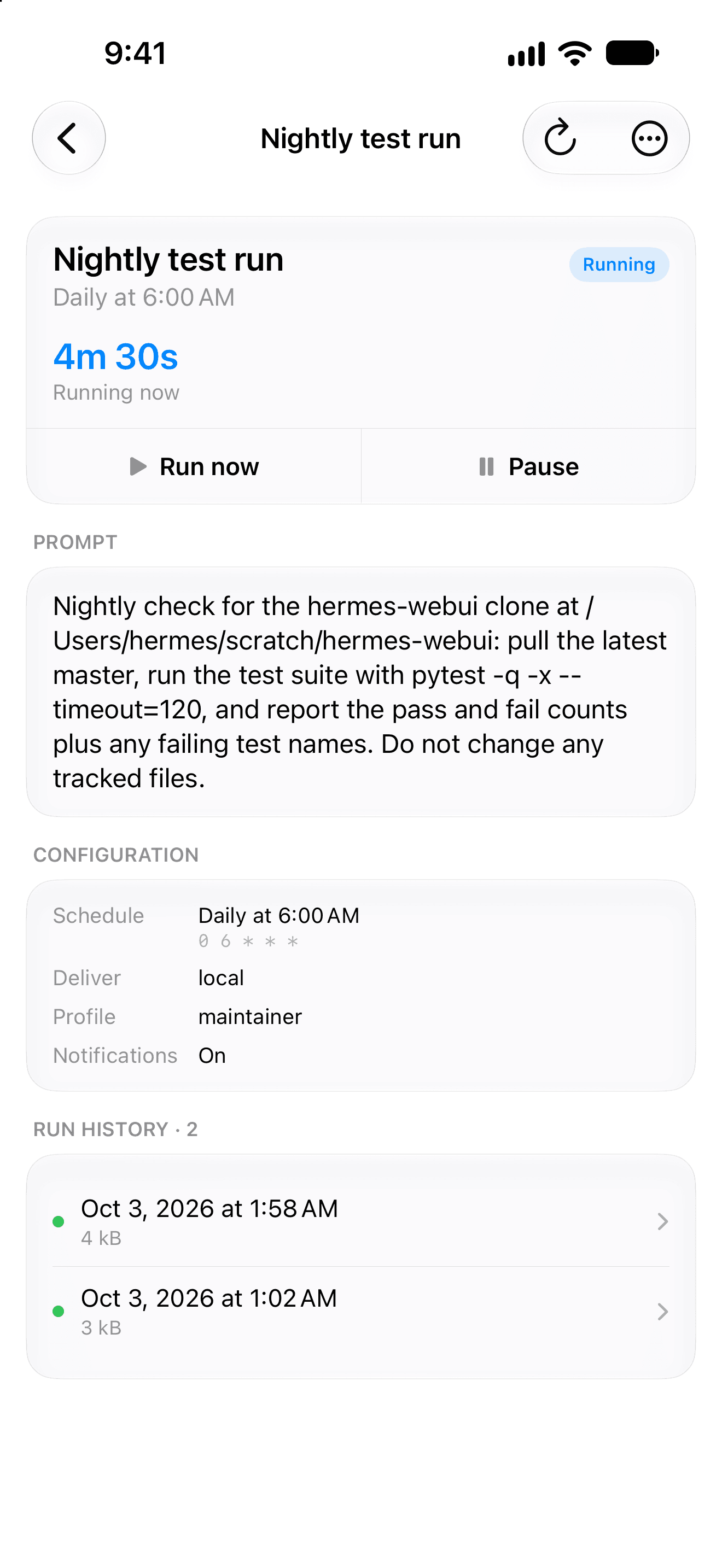
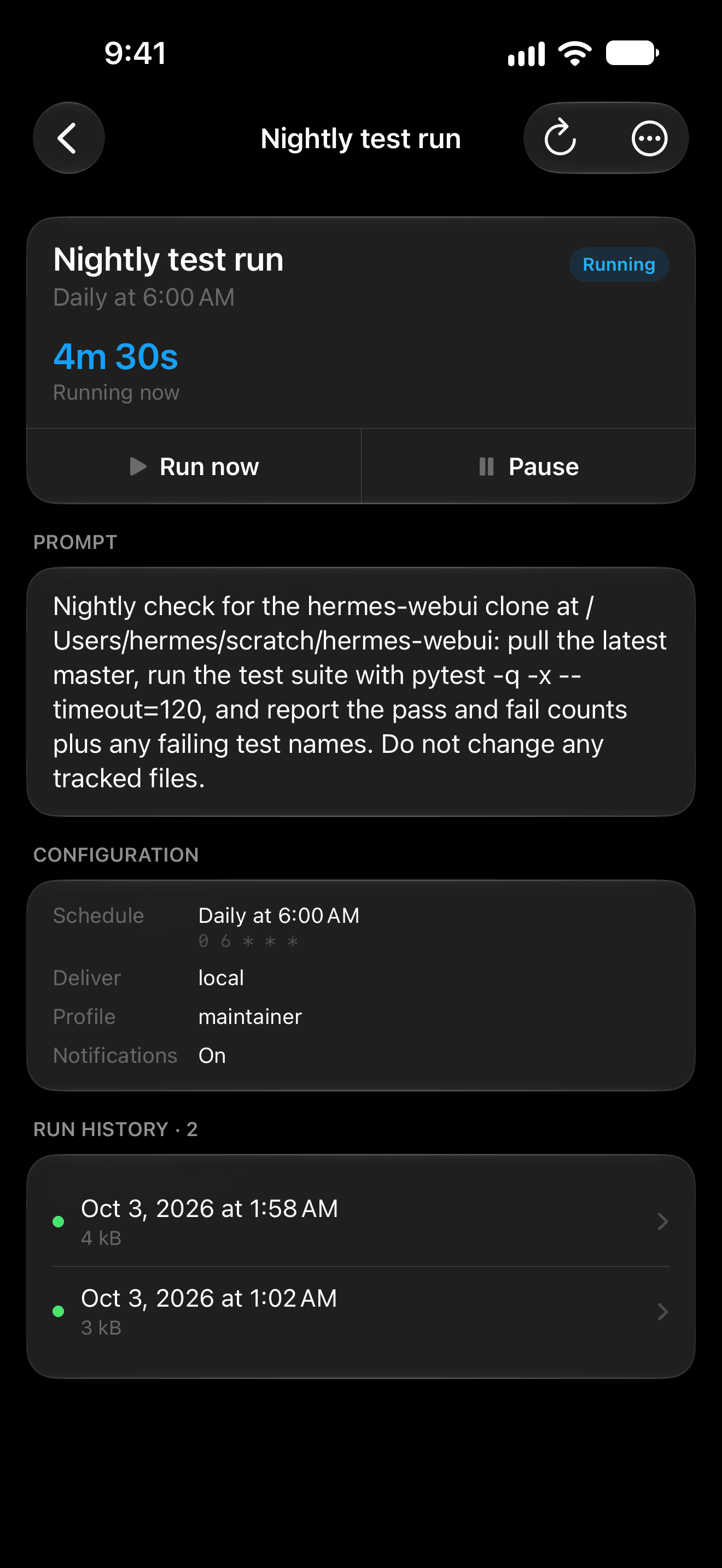
Tasks you can create and Run Now, with run history and output. Live Kanban boards, Skills you can switch on and off, Memory you can edit, and Usage. Update Hermes from Settings, too.

A scheduled task in Hermex with its run history.
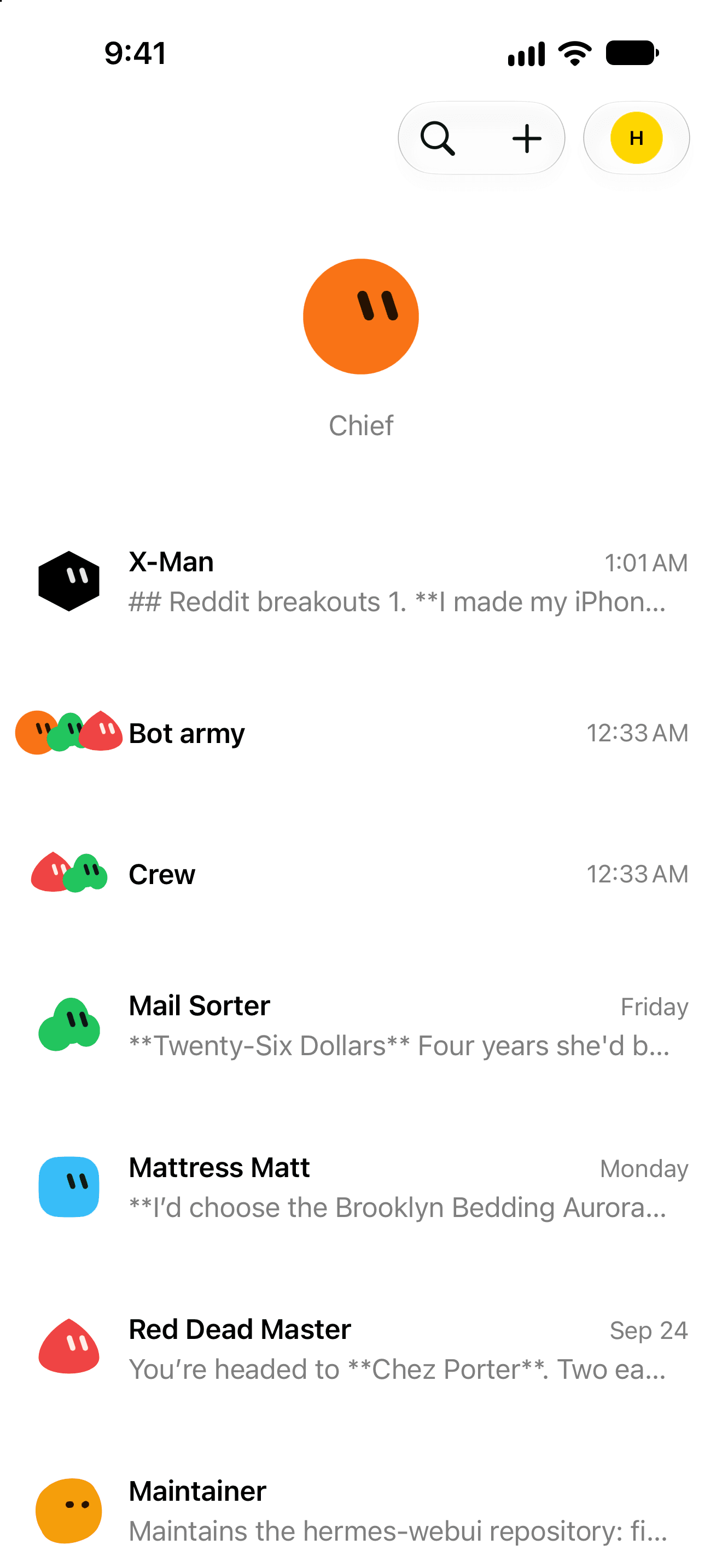
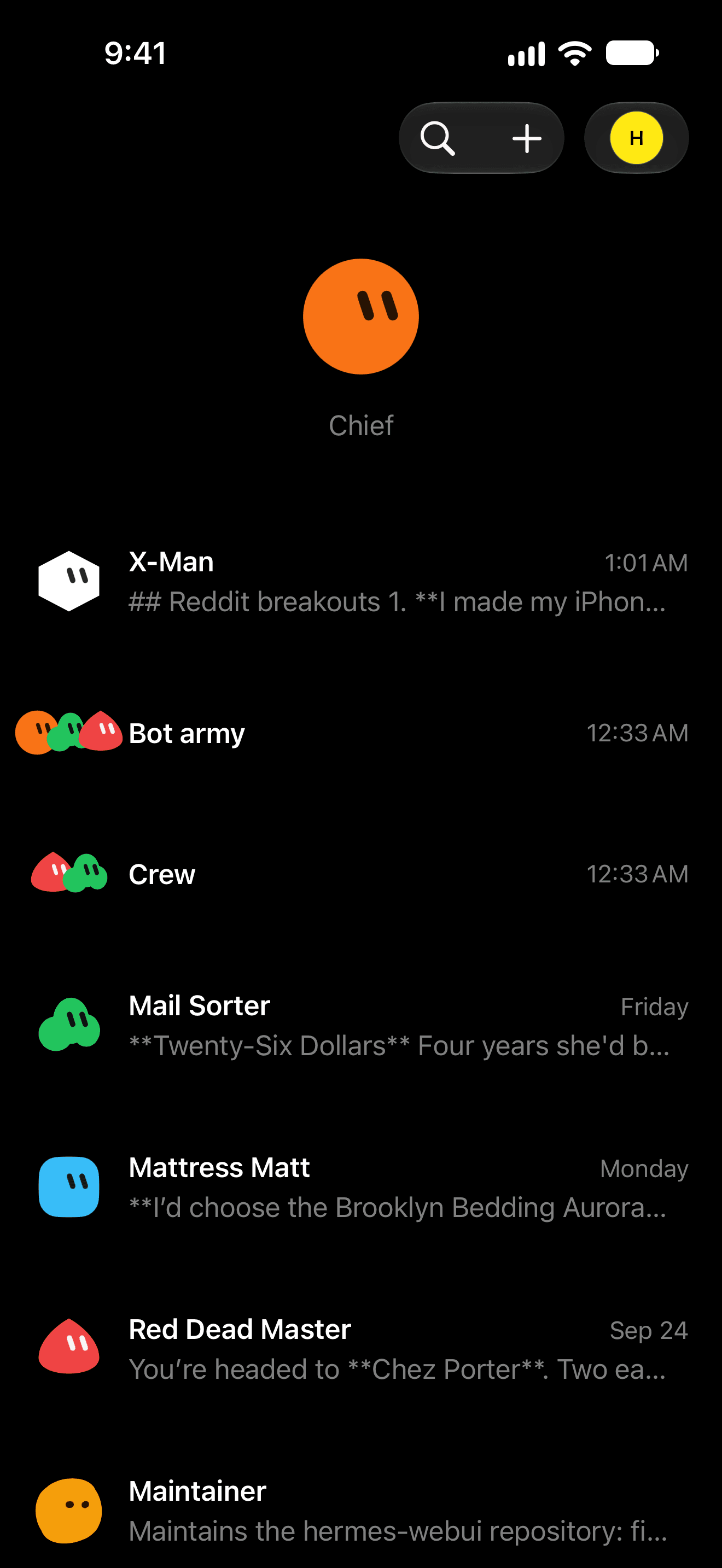
The Bot Mode inbox in Hermex, with each bot's face.

Bots. Faces for your agents.

Bots with animated faces live on your Hermes server’s home, beside Sessions. Create them, start group chats, and call one in with an @ mention.

Move to Hermes. Bring your chats with you.

Coming from hermes-webui? Move to Hermes brings a server’s chats and drafts to your Hermes server. It checks everything before it changes anything, and you can pause and resume it.

iPad too. Same app, more room.

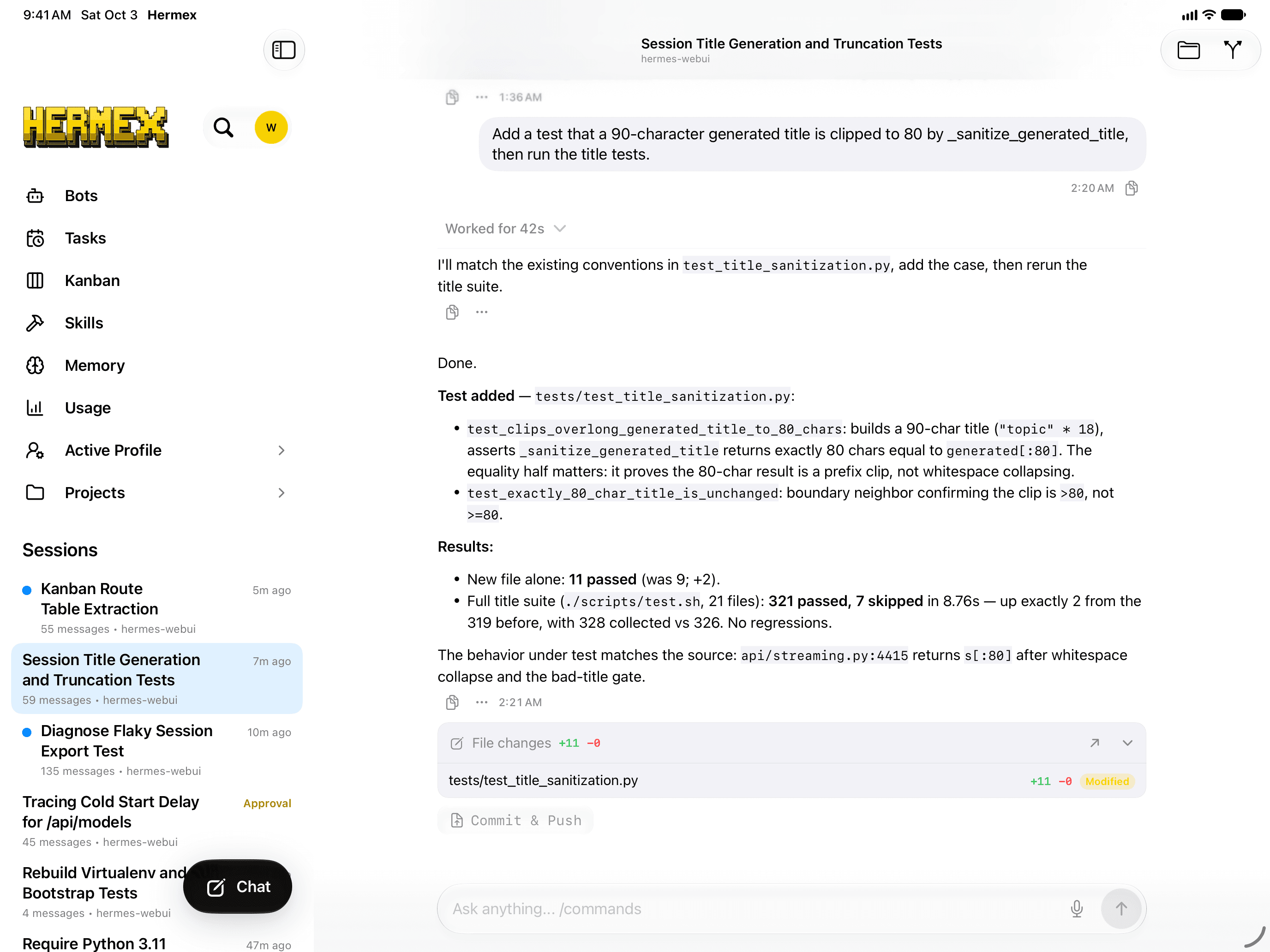
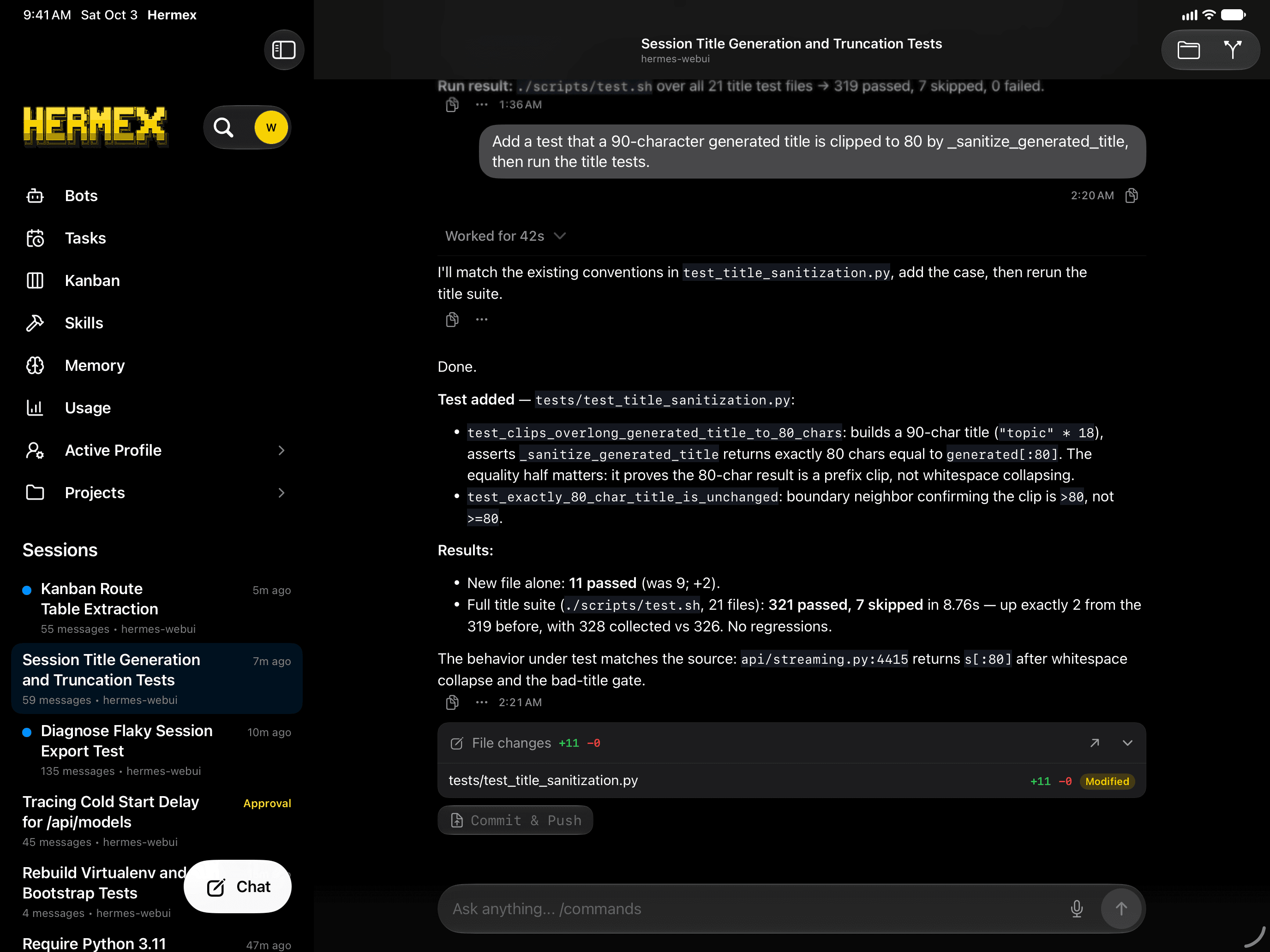
Hermex is one app for iPhone and iPad, localized in 17 languages. On iPad, a server’s home sits beside the open chat. It needs iOS or iPadOS 18 or later.

  • Share extension
  • Multiple servers
  • Profiles and projects
  • 17 languages
Hermex on iPad in landscape, with the session list beside a chat.

Three moves. About 15 minutes.

Hermex is only a client. The agent runs on a machine you control: Hermes Agent (open source, MIT) on Linux, macOS, WSL2 or Windows. Hermex 2.0 connects straight to its dashboard.

  1. Run the dashboard

    Install Hermes Agent, then start its dashboard on your machine.

    hermes dashboard --no-open
  2. Make it reachable

    Tailscale Serve is the recommended route. It gives you https://<machine>.<tailnet>.ts.net. Cloudflare Tunnel works too, behind Cloudflare Access. Set that address as the dashboard’s public_url, then restart it in a terminal: Hermes asks you to set a username and password.

    tailscale serve --bg 9119
  3. Connect Hermex

    In Hermex, enter the server URL, then the dashboard’s username and password.

Shortcut. The app’s onboarding offers an agent setup prompt. Send it to your Hermes agent; it does moves one and two, and replies with the address and sign-in.

Read the full setup guide

On the App Store. 486 ratings worldwide.

Genuine App Store reviews, quoted as written.

Great app to connect to Hermes

This is honestly the best app for Hermes. I’ve tried several different ways to connect and use Hermes on my iPhone, but Hermex is easily the nicest. It feels like a proper iOS app. Clean, smooth and just really nice to use.
CopyPasteHero · Sep 2026

Excellent Hermes Experience

While everyone is aggressively shoveling out their vibe-coded attempts, this app has already perfected the mobile experience for Hermes Agent.
LeeroyJenkins67 · Jul 2026

Just Amazing

Very professionally designed. I don’t get why this isn’t all over X. Even if / when Hermes comes out with an official mobile app, can’t think of a reason to move.
JohnInKS · Sep 2026

My daily driver!

The experience is really good. Highly recommended
sjdonado · Oct 2026

Excellent app - mirrors hermes perfectly

Such a well thought out and written app - it picks up all the essential features and settings of hermes and presents them in a really intuitive way. Highly recommend using this above any other mobile comms with hermes
PandaMagic05 · Aug 2026

Best Hermes Client for iOS

Tried various Hermes Clients and Hermex is the best one. It’s stable, feature rich and really thought through.
wss-mont · Oct 2026

Really excellent

Yup. It works quite well. Never know if reviews on AI-related apps are real or not, but the positive reviews for this one are legit. UI is fast and satisfying and doesn’t feel like a PWA or webview.
Janejrank · Jul 2026

Works perfectly with Hermes

Running local AI on a local Proxmox server with the Hermex iPhone app giving me actual live and regular notifications is like a dream coming true. Normally I never write reviews, but damn this app works perfectly!
Fidelity5789 · Jul 2026

Game Changing !!

This app has a professional looking front end, is easy to install and operate and significantly improved my productivity on my Hermes server. … This app is a game changer for me !!!
debeerx2 · Aug 2026

Just what was needed!!!

This app goes above and beyond what I was looking for. Using the Telegram chat with Hermes is lacking in privacy and cannot have multiple chats going at once. This app solved all of my agent access problems. …
jcrock · Jun 2026

4.7 on the App Store

486 ratings worldwide. These ten are quoted as written; the rest are on the App Store.

Read them on the App Store

Questions. Plain answers.

Still stuck after these? Ask in the Hermex Discord, or start with the setup guide.

Hermex is a native iPhone and iPad app for steering a Hermes agent you host yourself. The agent runs on your own machine, and Hermex connects straight to the dashboard that comes with Hermes Agent, so you can open sessions, stream responses, and direct the agent from wherever you are. Your server runs — your iPhone steers.

Two things: a machine you control running Hermes Agent 0.21.3 or later — Linux, macOS, WSL2 or native Windows — and an iPhone or iPad with Hermex 2.0, free on the App Store. New to Hermes? The setup guide starts with Nous Research’s installer.

Three moves: run the Hermes dashboard with its sign-in turned on, make it reachable with Tailscale Serve (or Cloudflare Tunnel behind Cloudflare Access), then enter your server URL, username and password in Hermex. The full setup guide walks through every step, and Hermex’s onboarding has a prompt that has your agent do the first two.

Yes. hermes-webui, a third-party open-source (MIT) server, is what Hermex used before 2.0. In Hermex 2.0, webui servers keep working and still get fixes; new features come to Hermes. Move to Hermes, in the app, brings a webui server’s chats and drafts to a Hermes server. The legacy webui guide covers setting one up.

Your phone talks directly to your own server — no developer backend sits in between. Tailscale Serve keeps the dashboard on your private tailnet over HTTPS; a public hostname gets Cloudflare Access in front of it. Turn on the dashboard’s sign-in before you expose it; Hermex keeps that sign-in in the iOS Keychain and sends it only to your server. The one exception is optional push notifications: they pass through an open-source relay, and their text is end-to-end encrypted.

No. Hermex has no analytics, ads, or tracking — your conversations travel between your device and your server. If you turn on push notifications, they go through an open-source relay that sees routing details but never message text, which is end-to-end encrypted. On the device, Hermex keeps your server details and sign-in in the iOS Keychain, and a small offline cache of recent conversations that expires after a week and goes when you sign out or remove the server. Details in the privacy policy.

Yes. Hermex is open source under the MIT license — the full app source lives on GitHub, so you can read exactly what it does, build it yourself, or open an issue. The agent side, Hermes Agent by Nous Research, is a separate open-source (MIT) project.

Sending messages needs a connection — the agent runs on your server, not your device. Offline, Hermex still opens with a read-only cache of your recent conversations, so you can re-read what the agent said without a signal.

iPhone and iPad running iOS or iPadOS 18 or later. The server side runs wherever Hermes Agent does — Linux, macOS, WSL2 or native Windows.

Nothing. Hermex is free on the App Store — no subscription, no in-app purchases. You bring the server it connects to.

Start with the setup guide — it ends with a troubleshooting section covering the common failure points. Still stuck? Ask in the Hermex Discord or message me on X. Found a bug? Open an issue on GitHub. Issues with Hermes itself live upstream at NousResearch/hermes-agent.

HERMEX

Free. Open source. Self-hosted by you.