

Control HermesFrom your iPhone
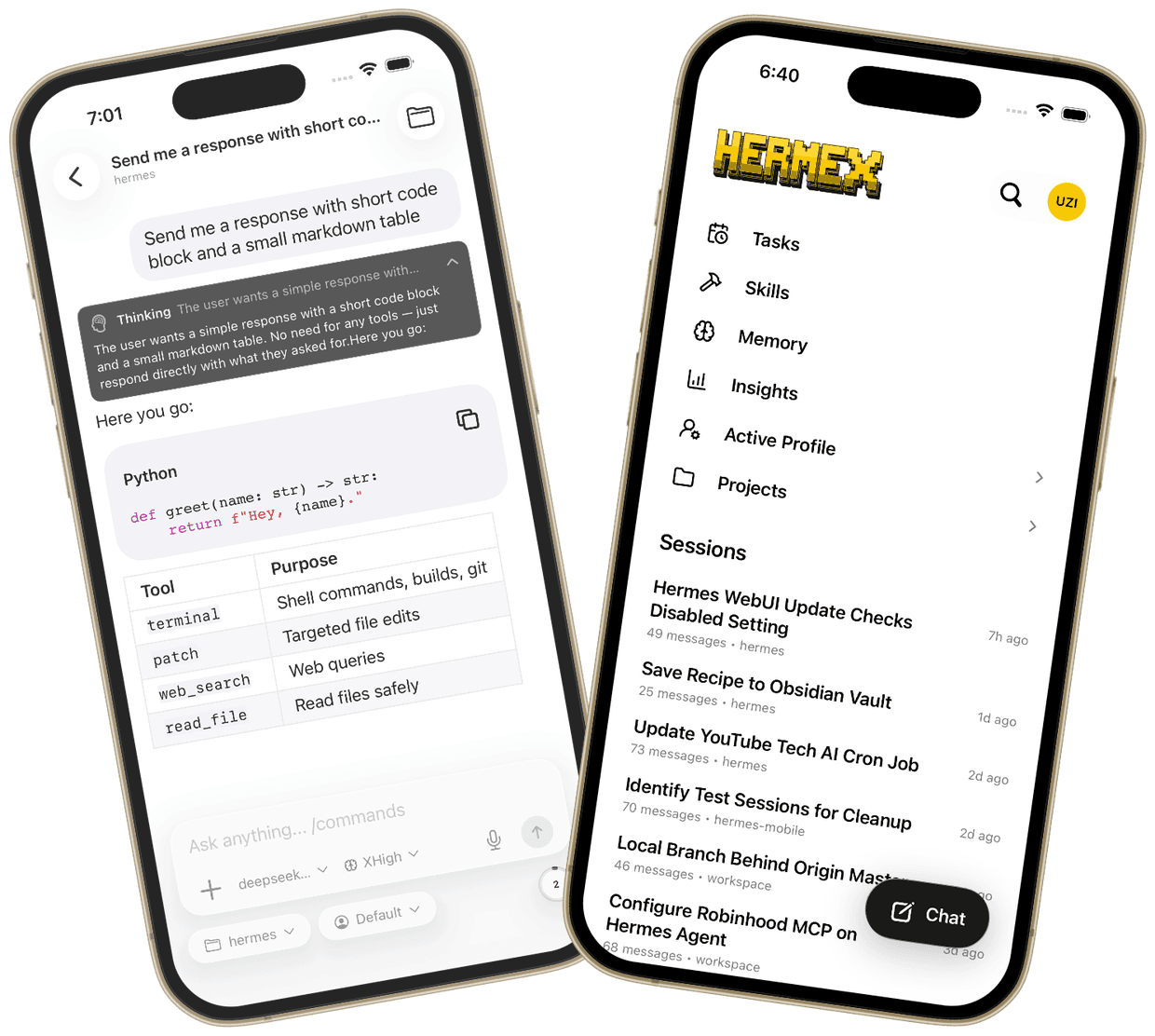
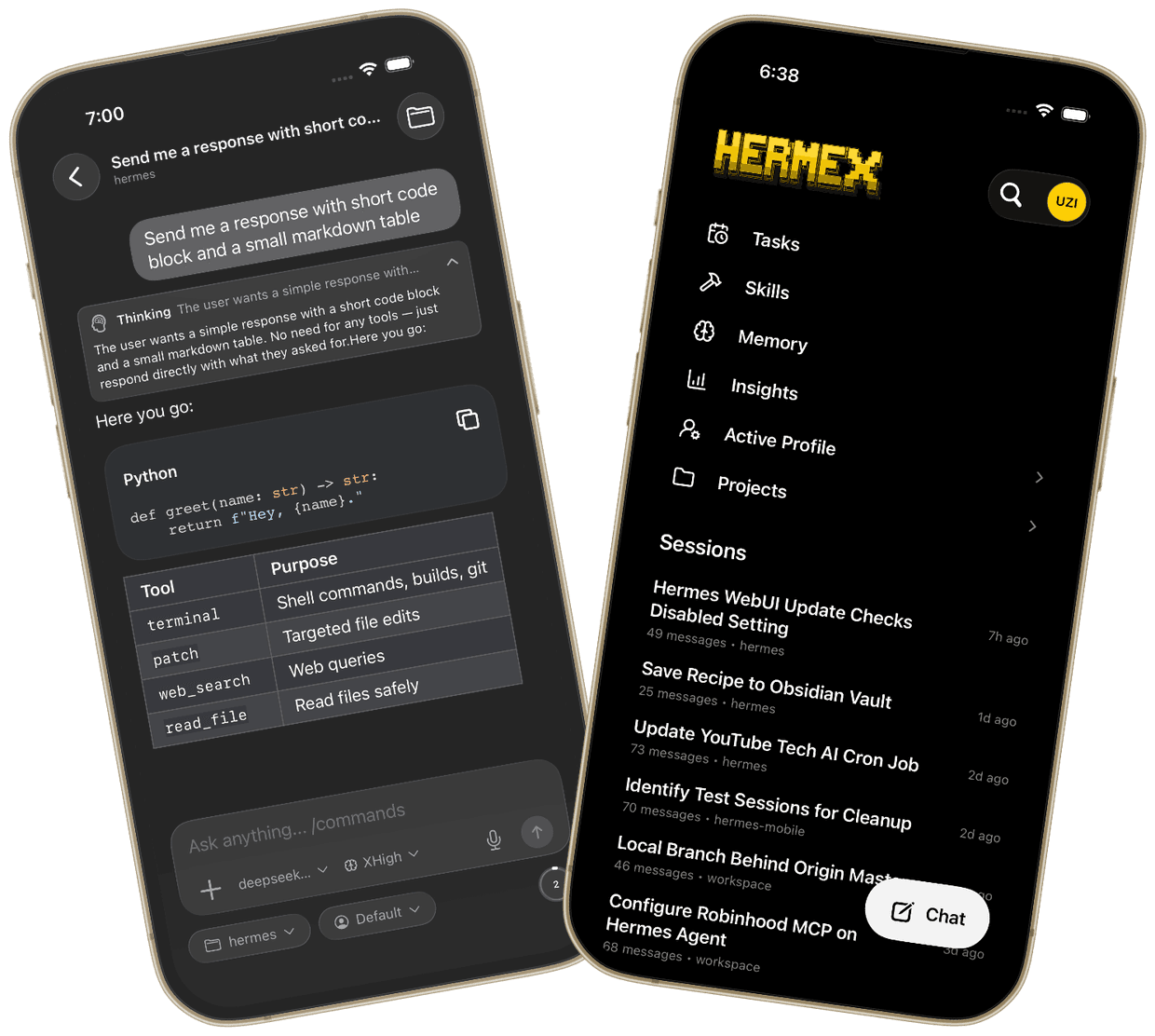
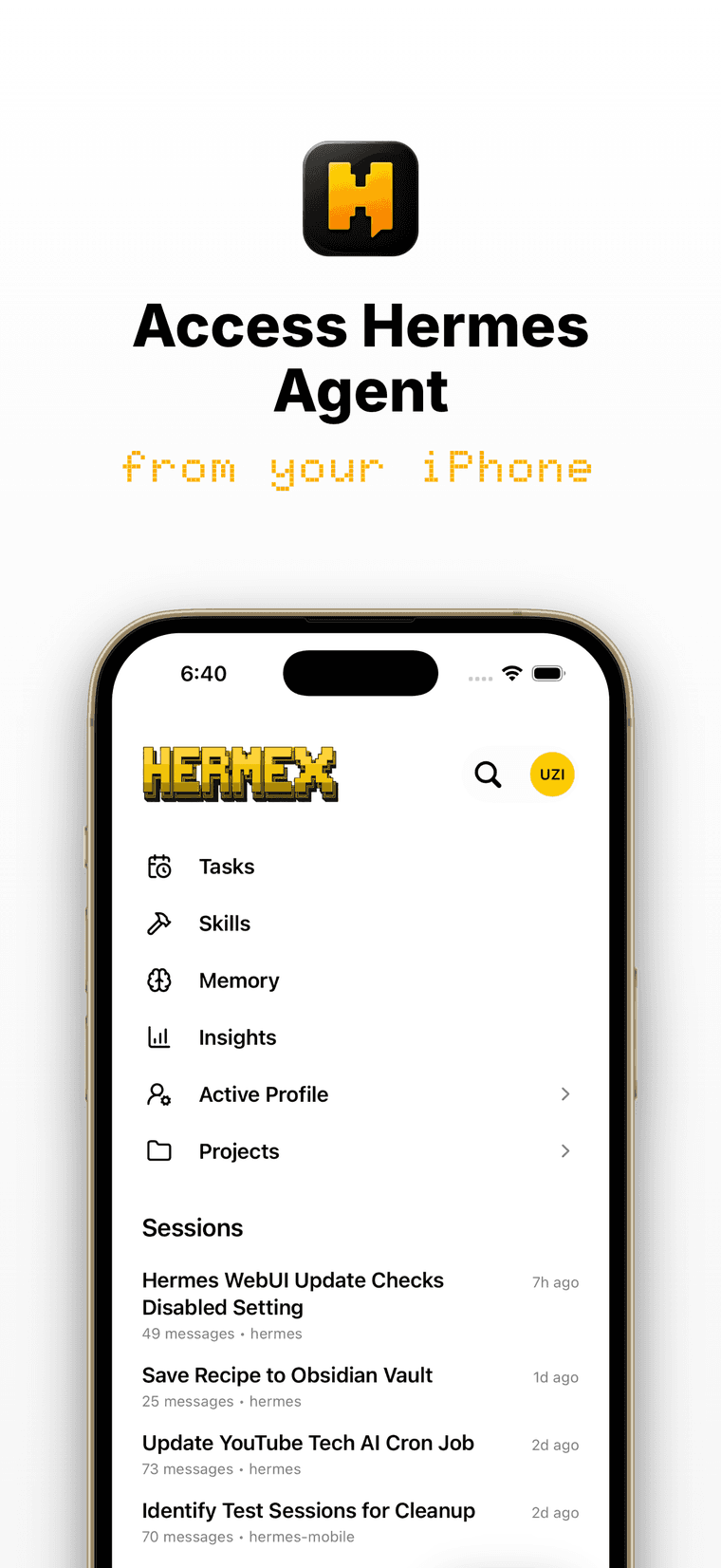
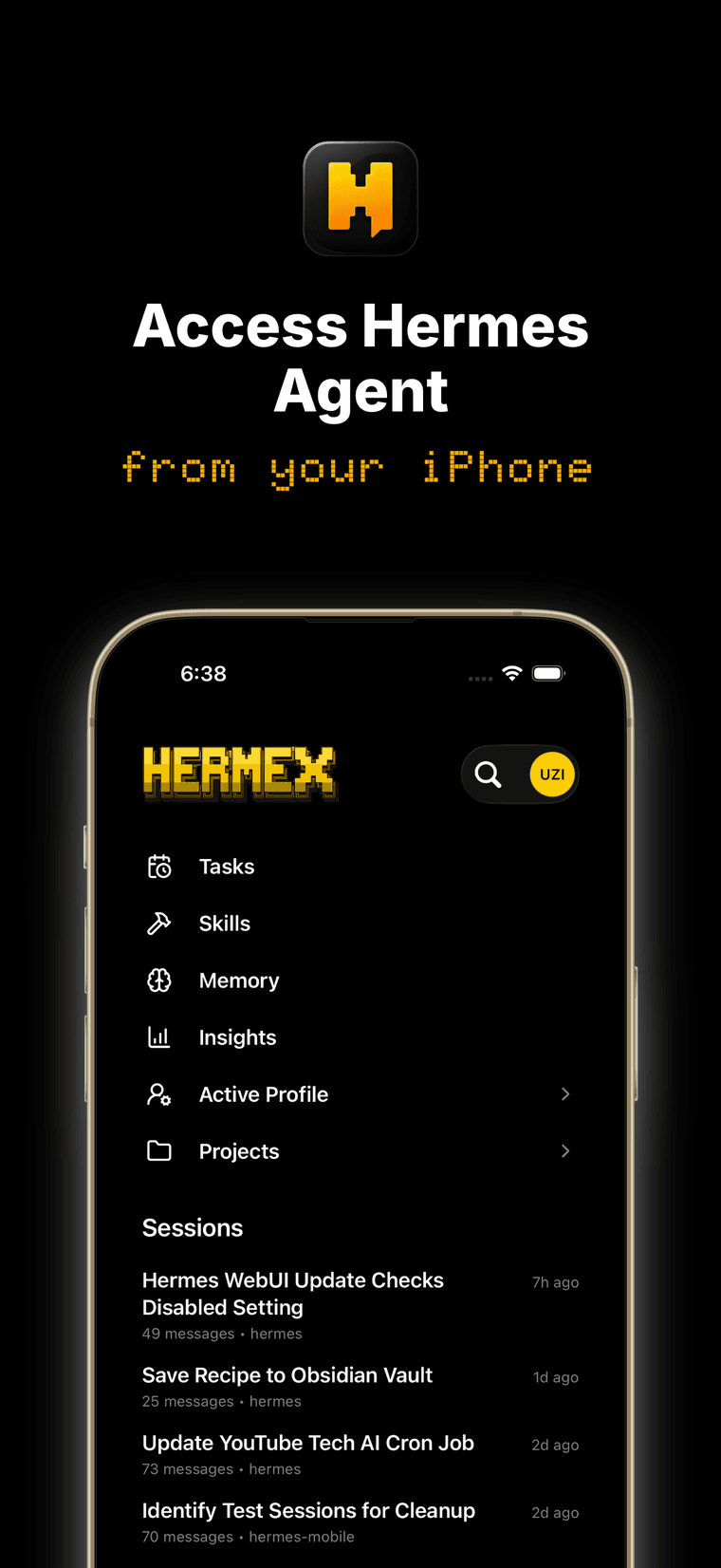
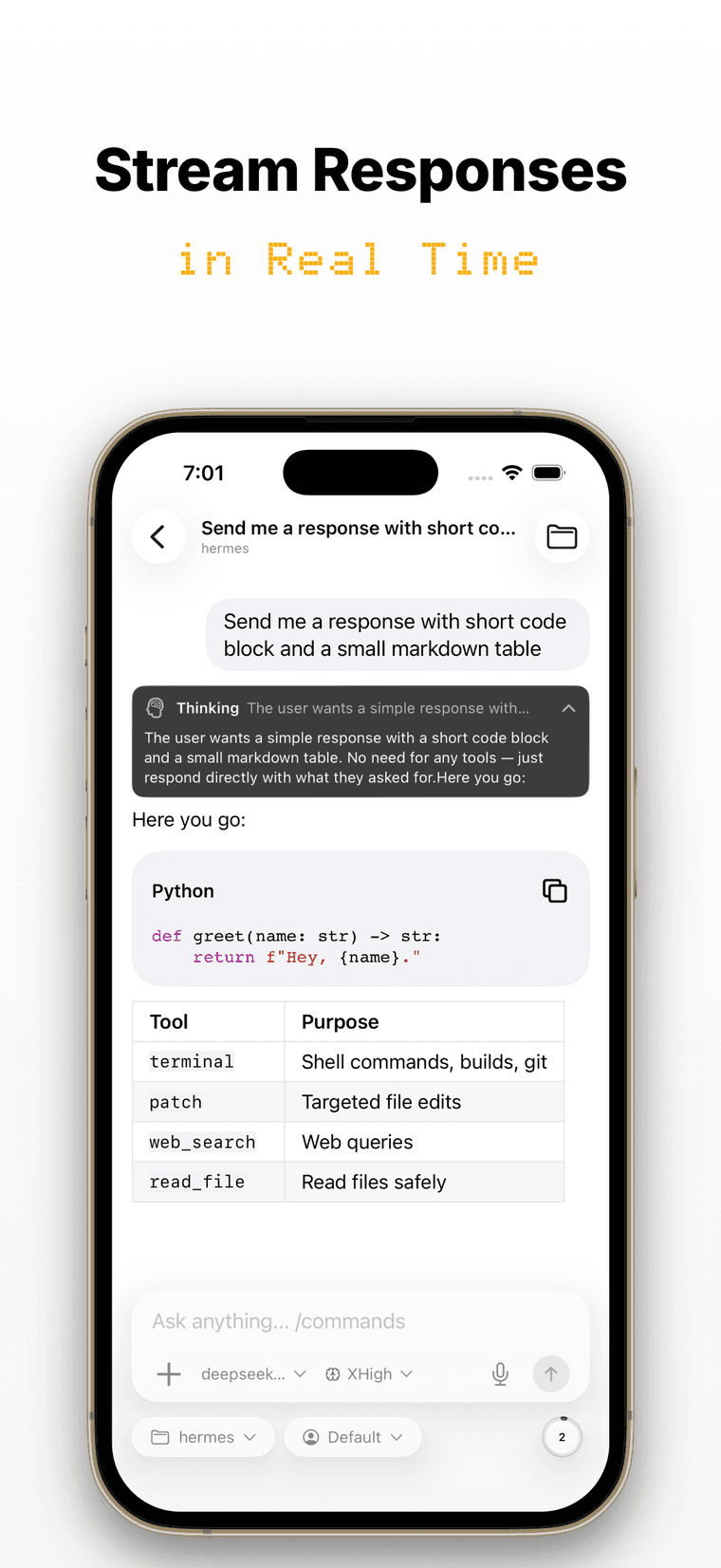
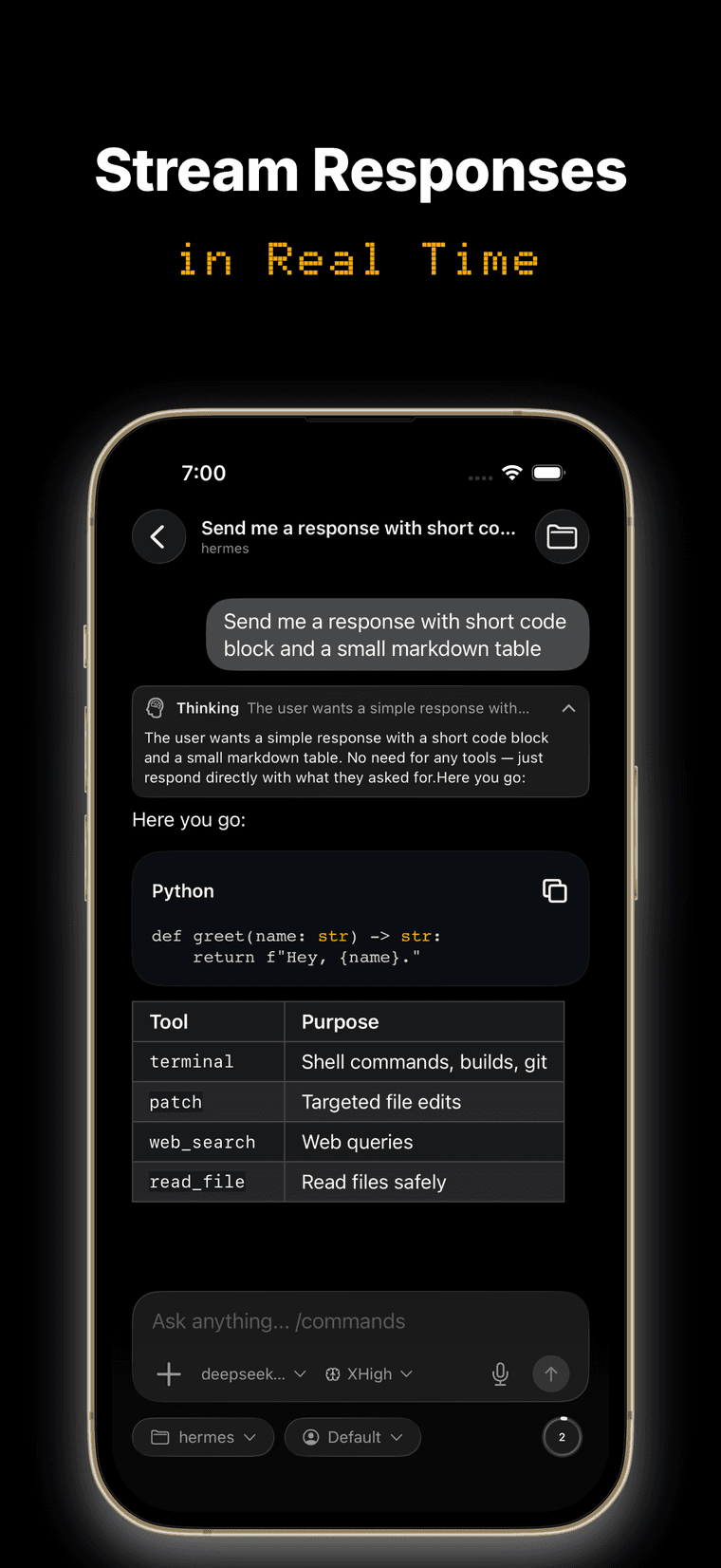
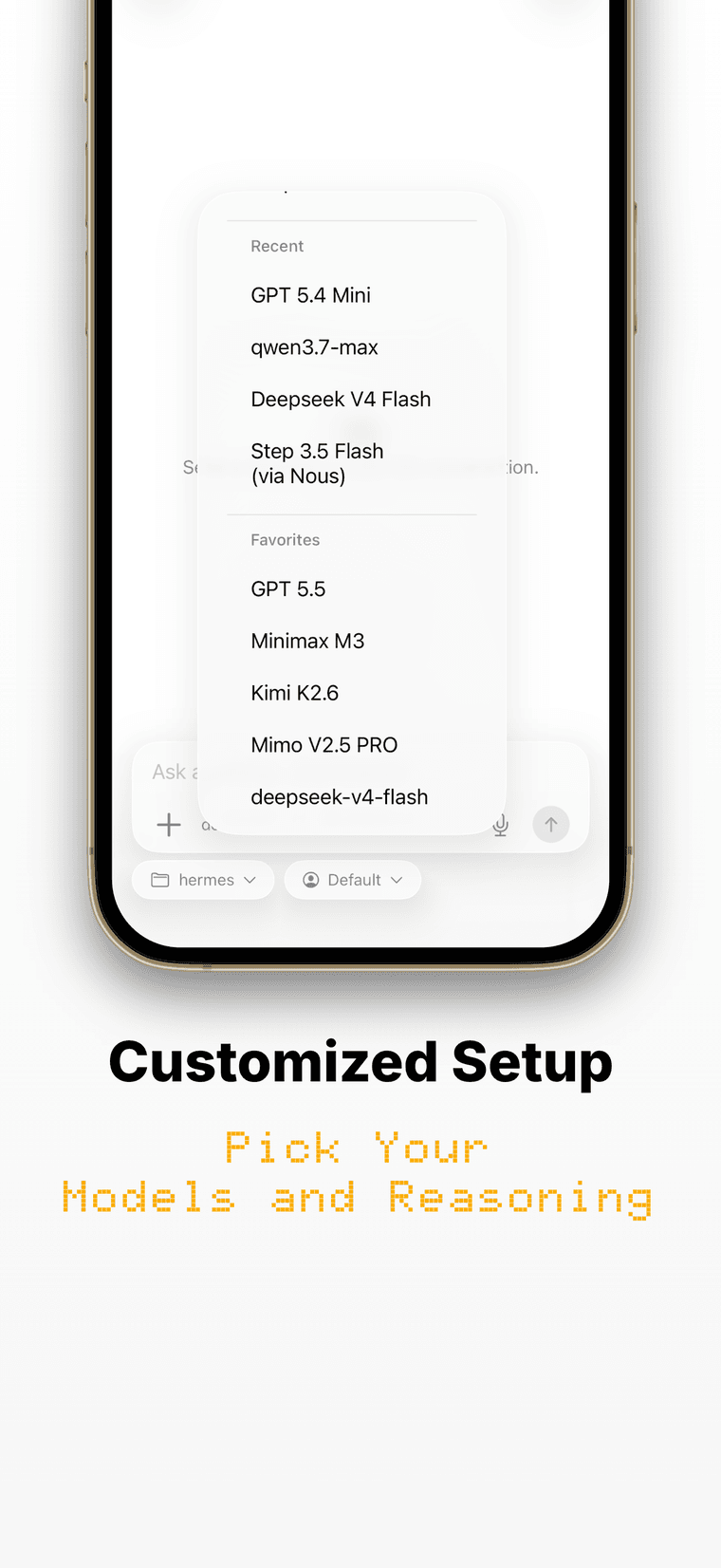
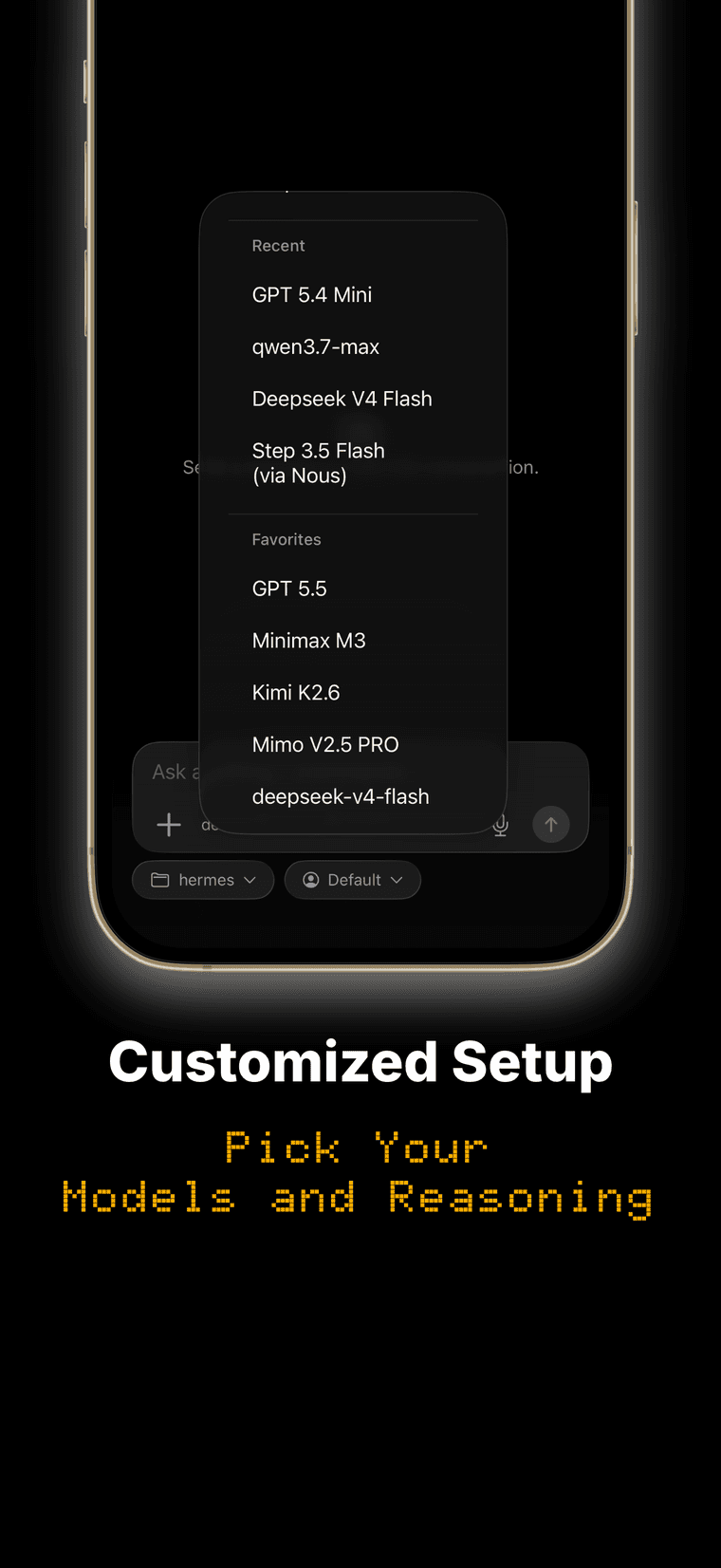
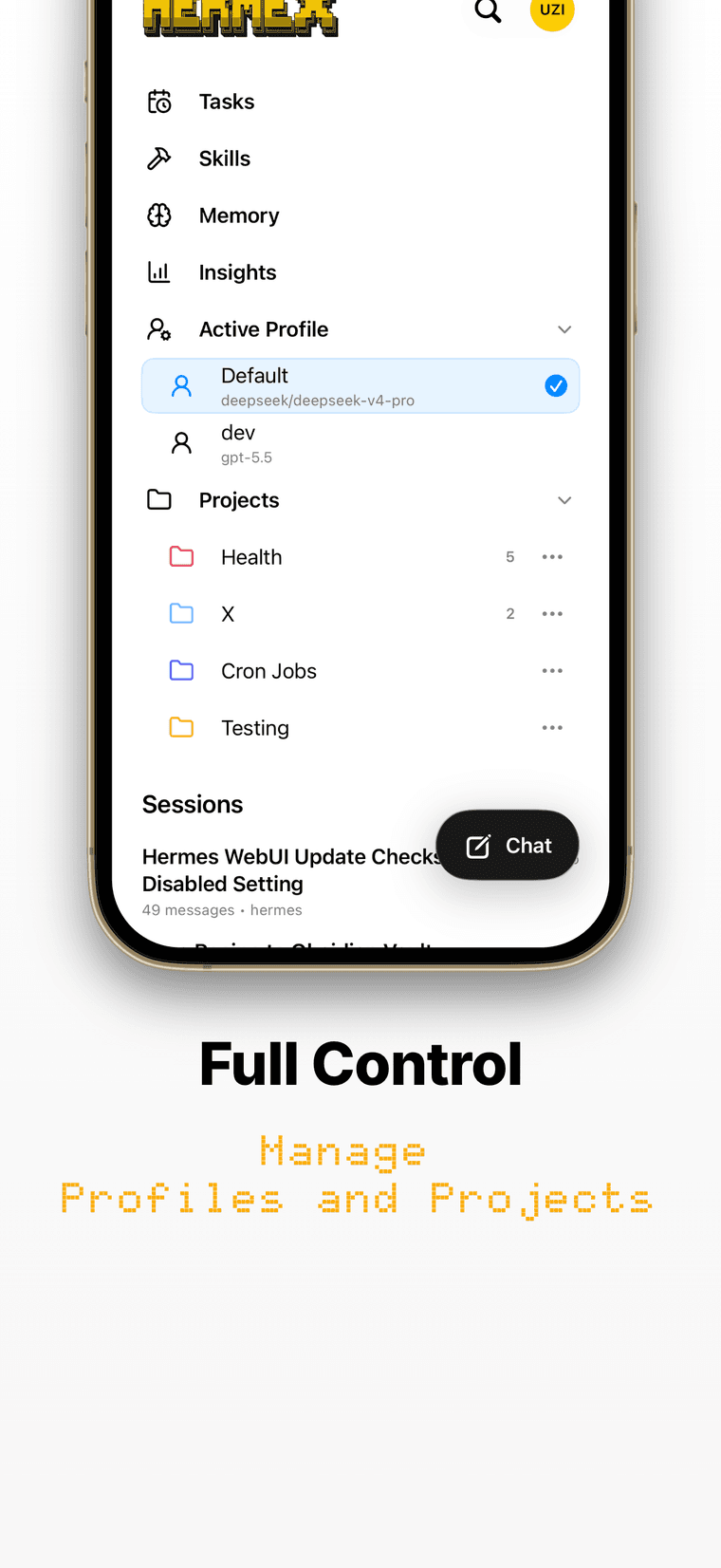
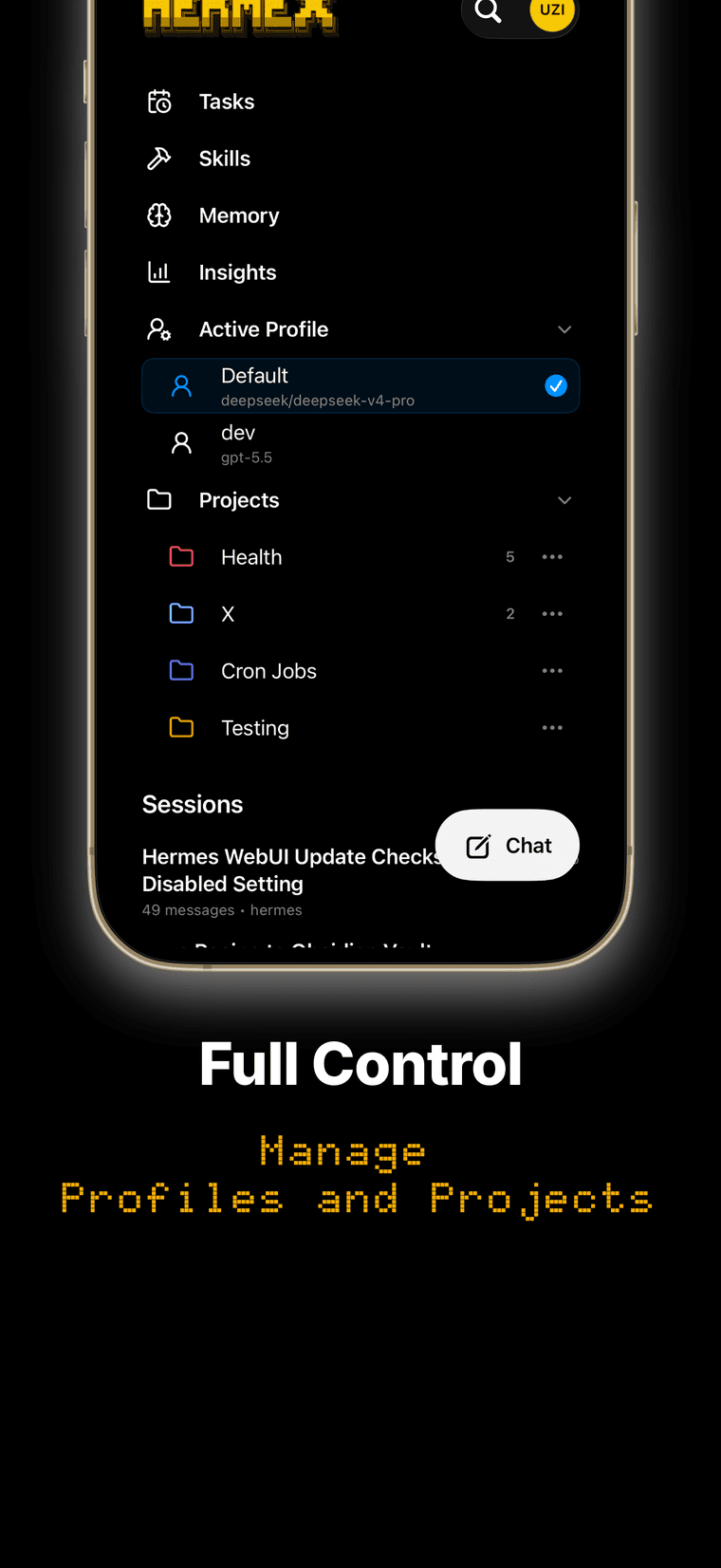
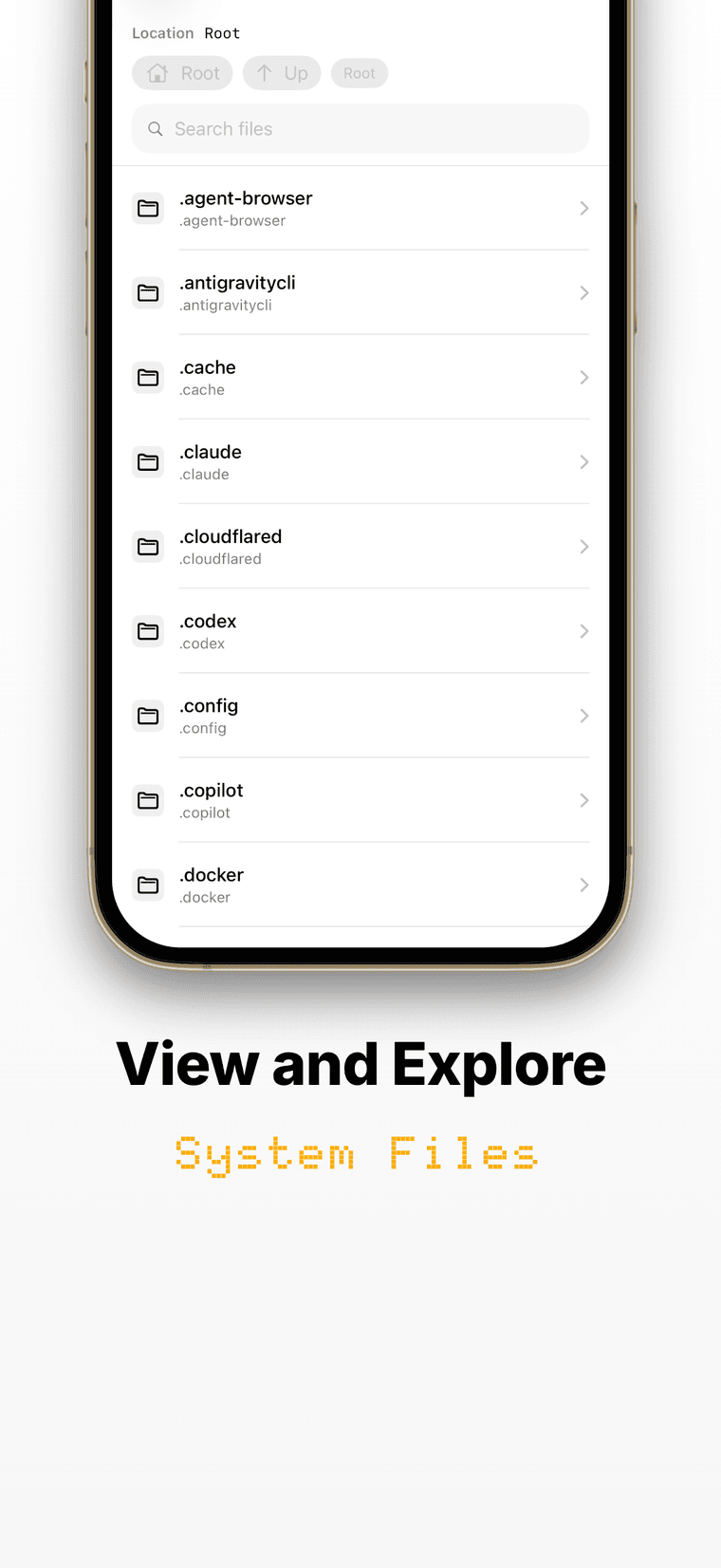
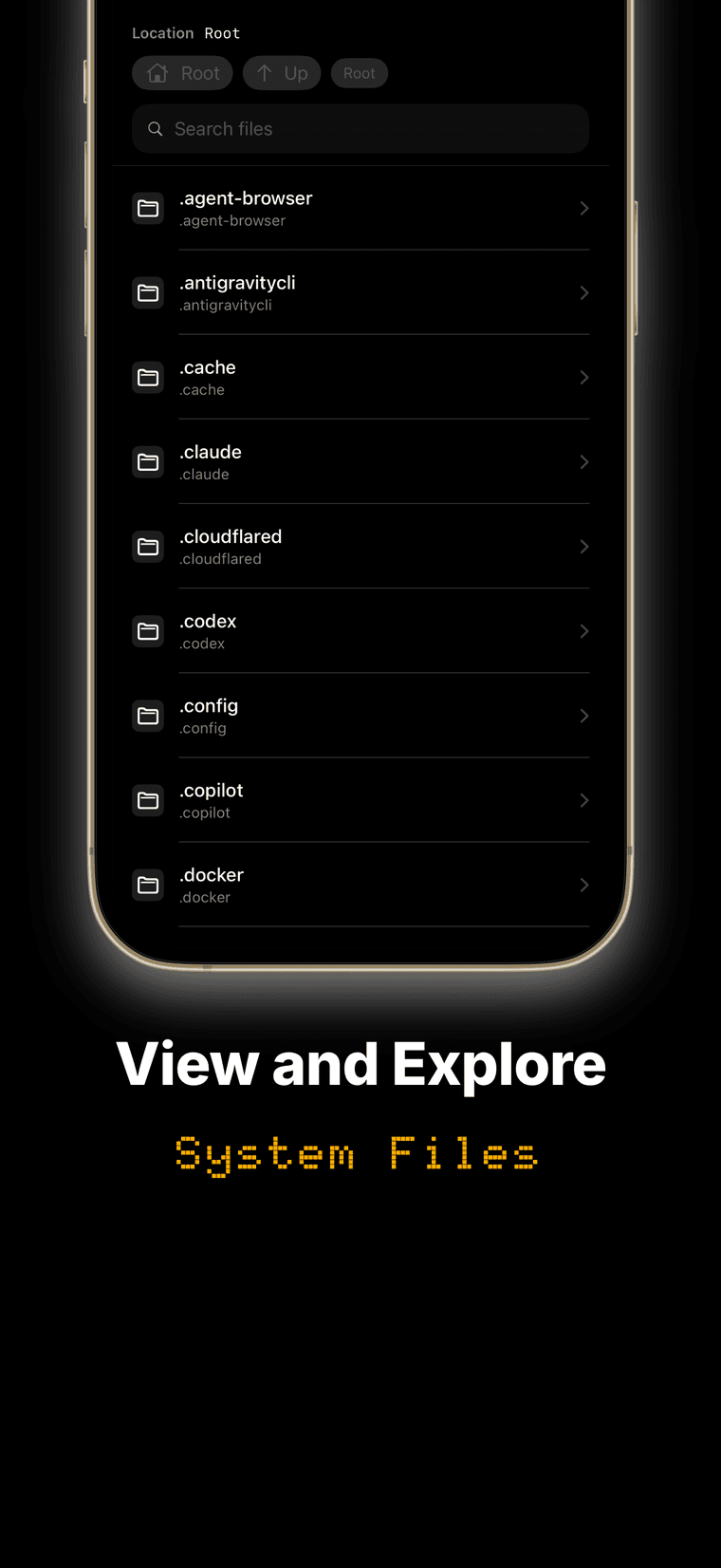
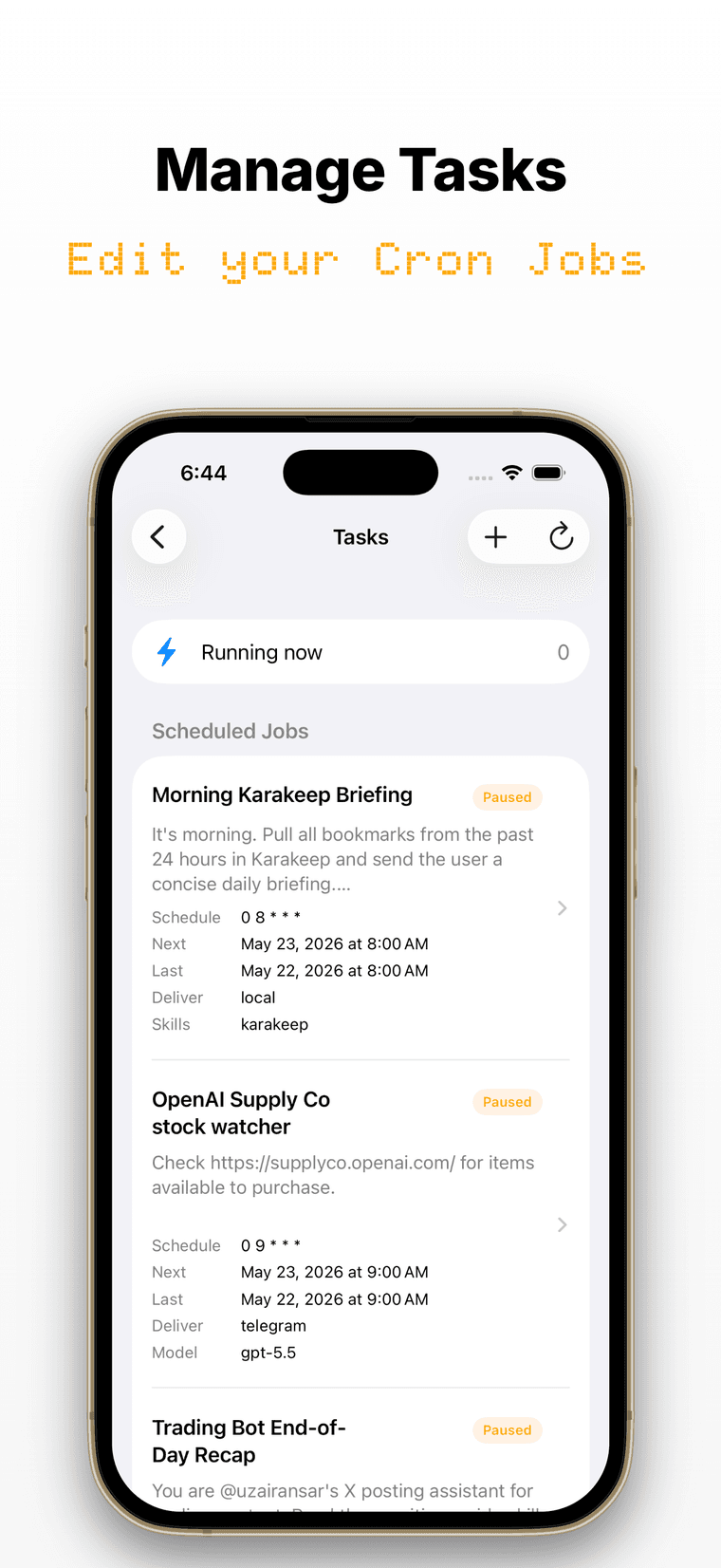
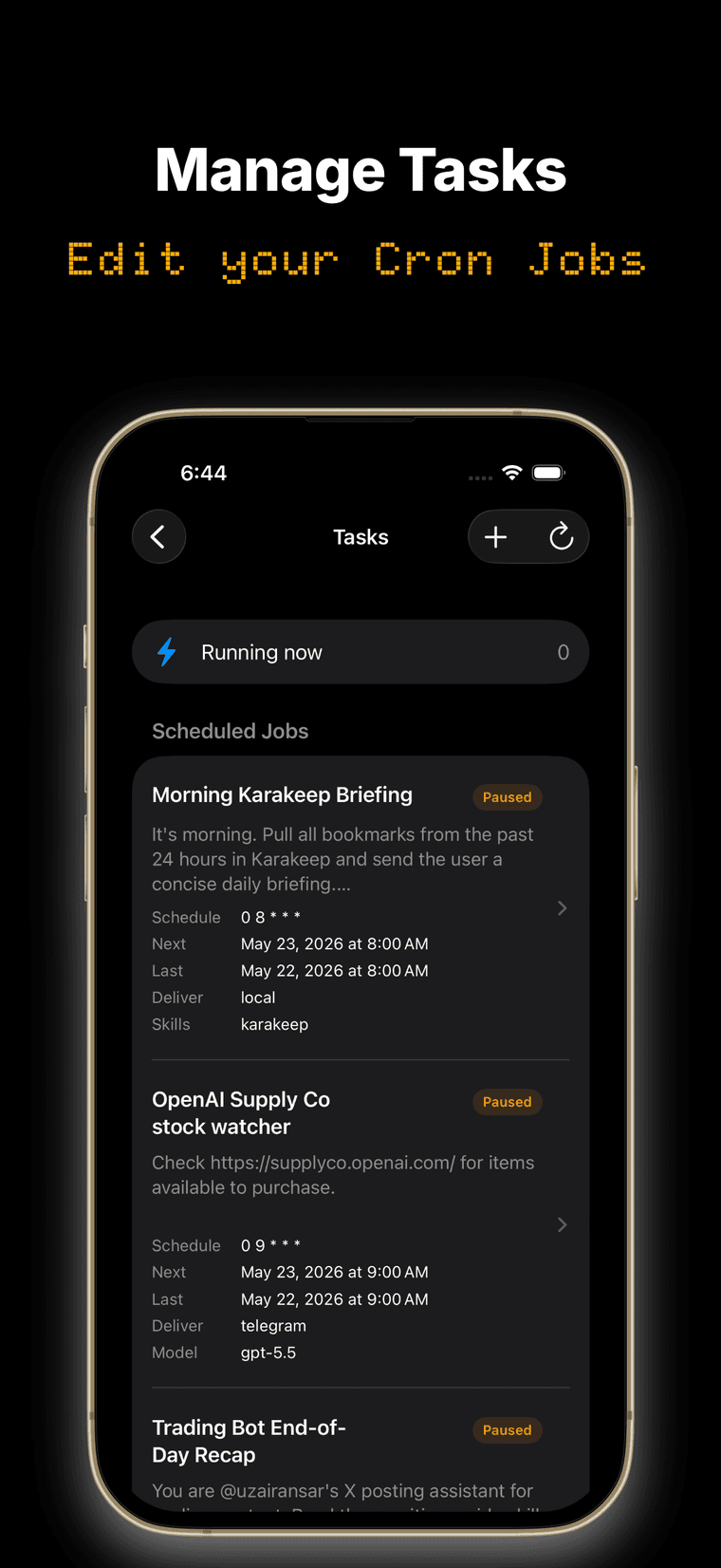
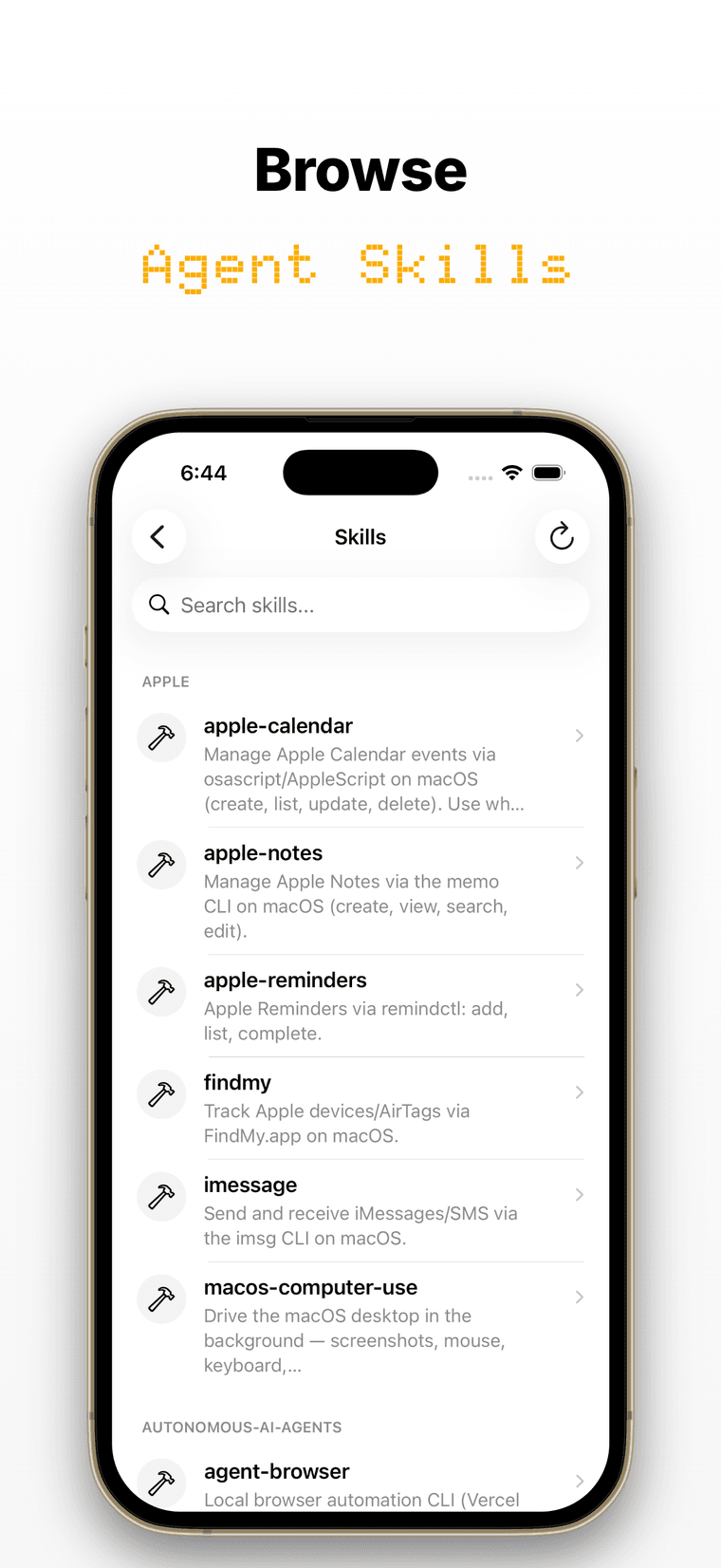
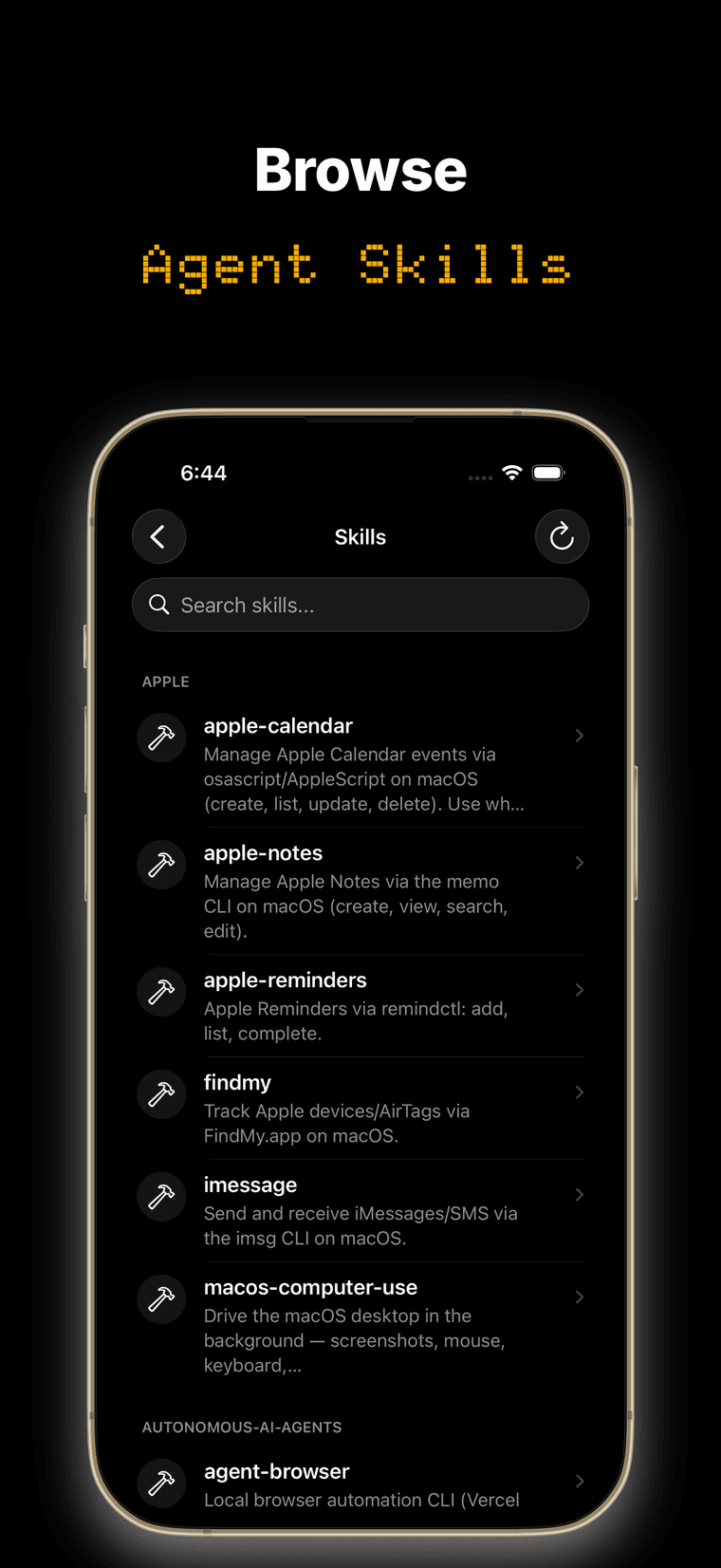
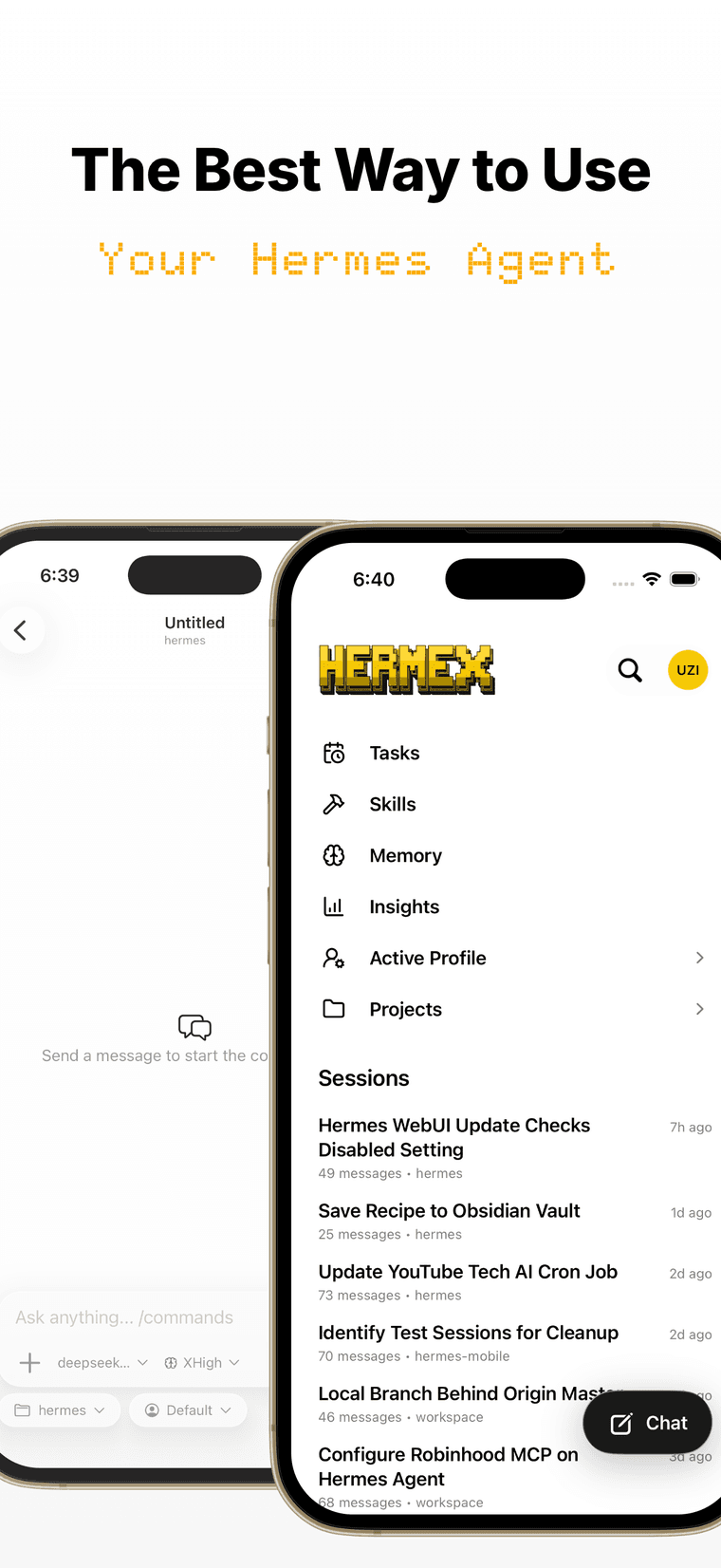
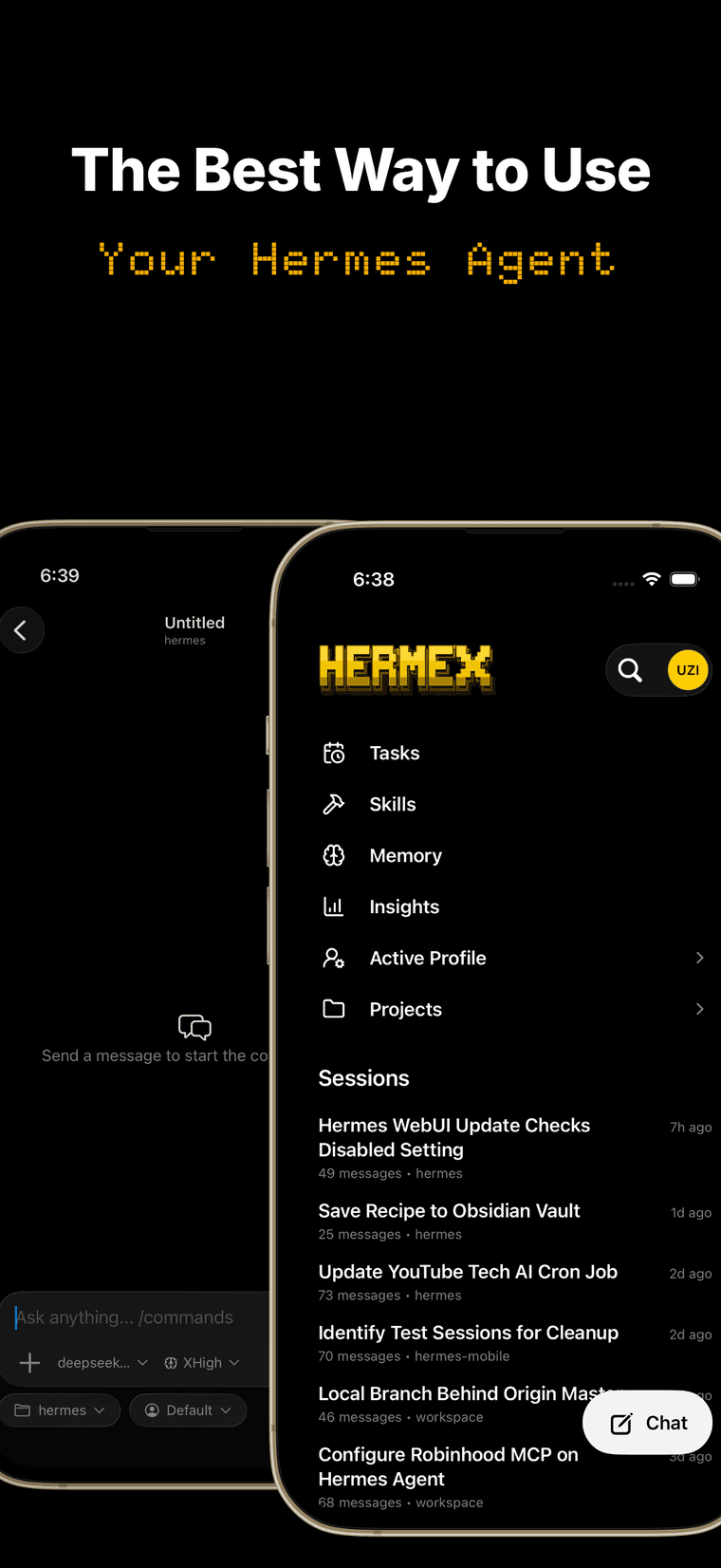
A native iPhone client for your self-hosted Hermes agent. Open sessions, stream responses, steer model / profile / reasoning, attach files, and browse your workspace — all from your phone. The agent runs on your server, not your iPhone.
- Free, no IAP
- 5.0 on the App Store
- iPhone + iPad (Coming Soon)
Full control
Your server. Your iPhone.
Three moves
Run, expose, connect
Run your server
Start the open-source hermes-webui on a machine you control.
git clone https://github.com/nesquena/hermes-webui.git && cd hermes-webui && python3 bootstrap.pyMake it reachable
Expose it over HTTPS with Cloudflare Tunnel — or keep it private on Tailscale. Either way, set a server password first.
cloudflared tunnel --url http://localhost:8787- Get Hermex on the App Store
Connect Hermex
Enter your server URL and password in the app. That’s it.
Questions
Before you connect
Hermex is a native iPhone app for steering a Hermes agent you host yourself. The agent runs on your own machine via the open-source hermes-webui server; Hermex connects to it so you can open sessions, stream responses, and direct the agent from your phone. Your server runs — your iPhone steers.
Two things: a machine you control running hermes-webui — macOS, Linux, or Windows via WSL2, with Python 3.11+ — and an iPhone with Hermex, free on the App Store. If you don’t have a Hermes Agent setup yet, the server’s bootstrap offers to install one for you.
Three moves: run hermes-webui on your machine, make it reachable over Cloudflare Tunnel or Tailscale, then enter your server URL and password in Hermex. About 15 minutes end to end — the full setup guide walks through every step.
hermes-webui is a third-party open-source (MIT) web UI and server for the Hermes agent. It’s the half that runs on your machine: it hosts the agent and exposes the API that Hermex talks to. Hermex itself is a separate app, built for it.
Your phone talks directly to your own server — there’s no relay or third-party service in between. Cloudflare Tunnel gives you HTTPS without opening a port; Tailscale keeps everything on a private WireGuard network. Set a server password before exposing it — Hermex uses it only to sign in and doesn’t store it after login.
No. Hermex has no analytics, ads, or tracking — your conversations travel between your phone and your server, nowhere else. On the phone it keeps your server URL in the iOS Keychain and a small offline cache of recent messages (7 days / 5,000 messages) you can clear anytime. Details in the privacy policy.
Sending messages needs a connection — the agent runs on your server, not your iPhone. Offline, Hermex still opens with a read-only cache of your recent conversations, so you can re-read what the agent said without a signal.
iPhone running iOS 18 or later. The server side runs wherever hermes-webui does — macOS, Linux, or Windows via WSL2.
Nothing. Hermex is free on the App Store — no subscription, no in-app purchases. You bring the server it connects to.
Start with the setup guide — it ends with a troubleshooting section covering the common failure points. Still stuck? Message me on X. Server-side issues live upstream at nesquena/hermes-webui.